Commissioning and parameterization
FLOWSIC200 · Operating Instructions · 8013271/1CJ9/V2-0/2022-01 · © SICK Engineering GmbH 61
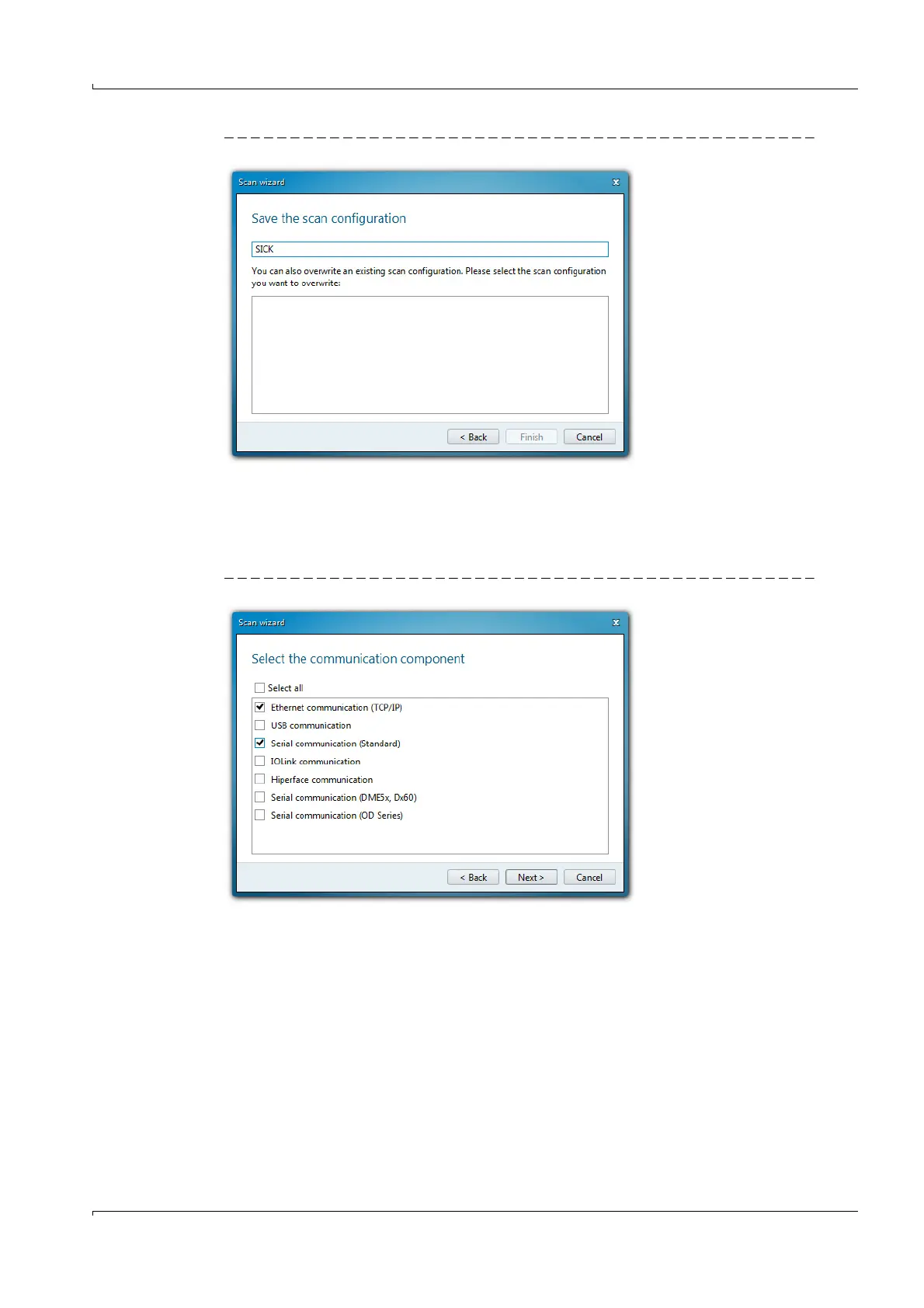
Fig. 44 Saving the search settings
4.1.3.3 Connect to the device with advanced mode
1 Click “Search settings”.
2 Select search mode “Interface oriented search”.
3 Select the communication interfaces where the search is to be made and click “Next”.
Fig. 45 Selecting the communication interface
4 Configure the interfaces and click “Next”.













 To Next Page