70 FLOWSIC200 · Operating Instructions · 8013271/1CJ9/V 2-0/2022-01 · © SICK Engineering GmbH
Commissioning and parameterization
4.2.3 Assigning the measuring system to the measuring location
MCU and sender/receiver units can be clearly assigned to the respective measuring
location.
For the MCU, select directory “Configuration / Application Selection(
p. 68, Fig. 55), set
the measuring system to “Maintenance” (
p. 67, §4.2) and enter the Level 1 password
(
p. 64, §4.1.4).
Open device file “FLOWSIC200 M” or “FLOWSIC200 H” or “FLOWSIC200 H-M” for the
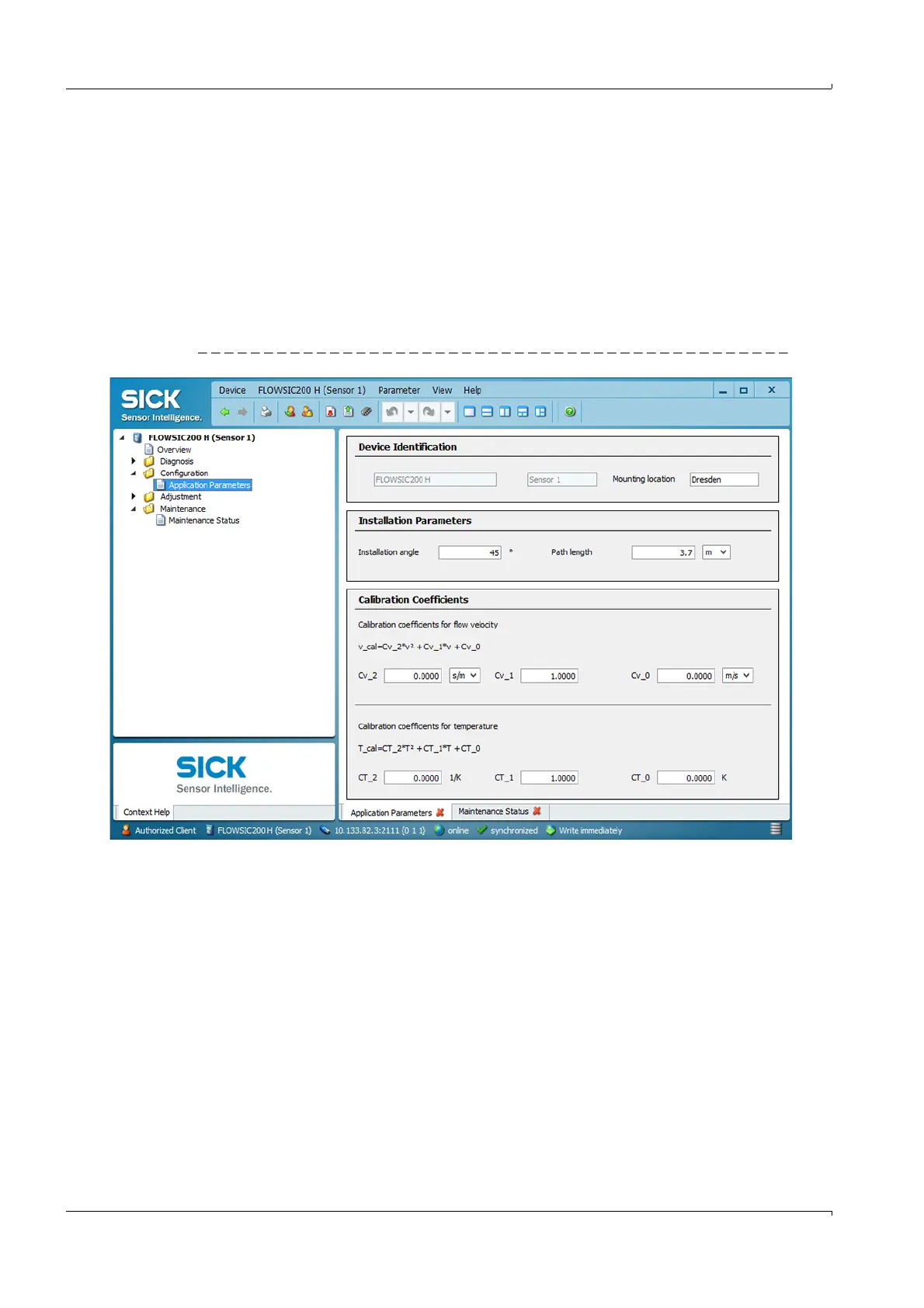
sender/receiver unit, select directory “Configuration / Application Parameters”, set the
sender/receiver unit to “Maintenance” and enter the Level 1 password.
Enter the desired information in the “Mounting location” field.
Fig. 57 Directory “Configuration / Application Parameters” (settings example)













 To Next Page