58 FLOWSIC200 · Operating Instructions · 8013271/1CJ9/V 2-0/2022-01 · © SICK Engineering GmbH
Commissioning and parameterization
4.1.3 Connecting to the device
Connect the USB cable to the MCU(P) control unit (
p. 47, Fig. 28) and the laptop/PC.
Start the software from the “SICK\SOPAS” start menu.
The start page is displayed.
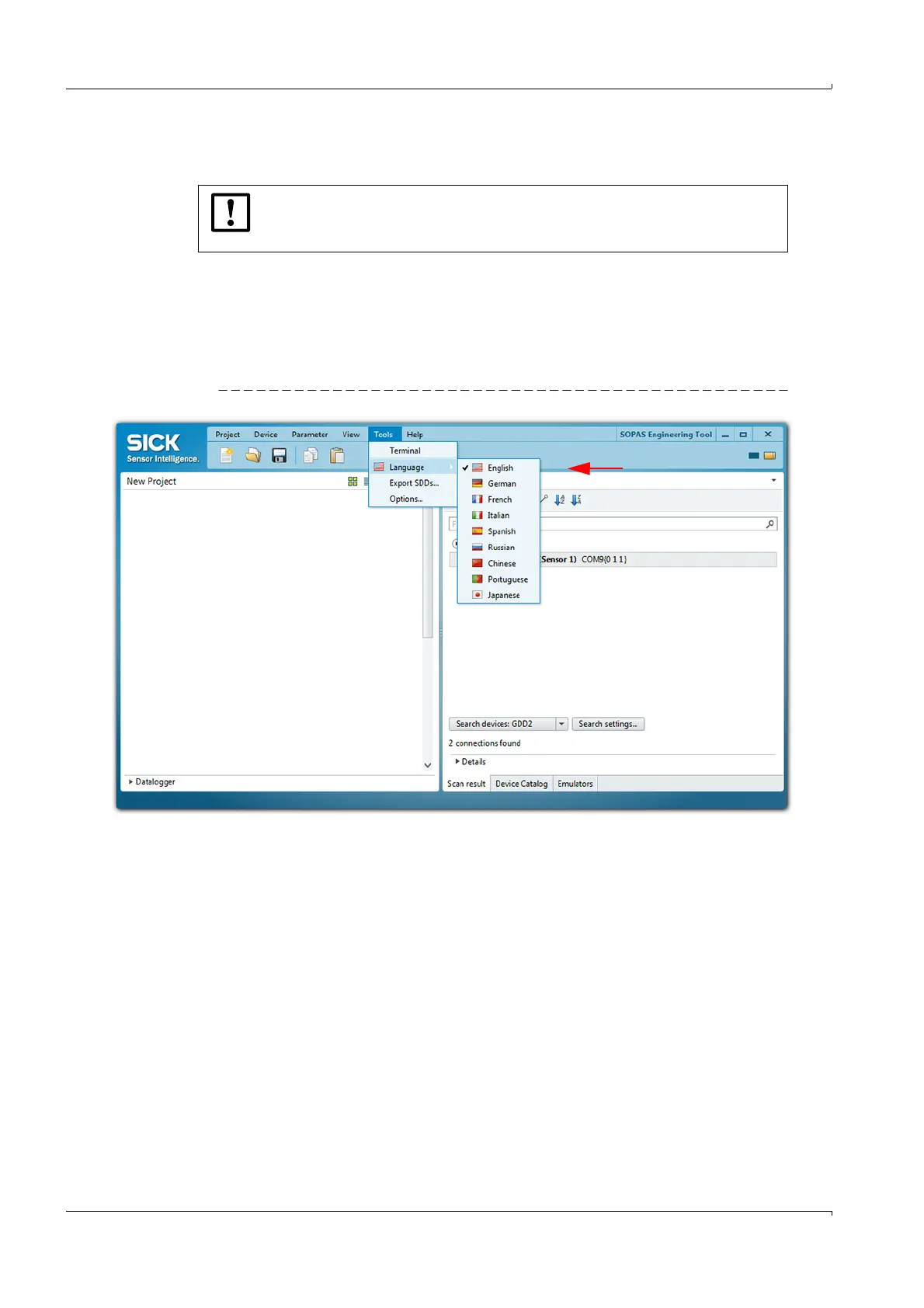
4.1.3.1 Changing the language
If required, set the desired language in the “Tools / Language” menu (
p. 58, Fig. 39).
Confirm the dialog shown with “Yes” to restart SOPAS ET with the changed language.
Fig. 39 Changing the language setting
NOTICE:
The MCU(P) is connected via USB to the laptop/PC.
A serial interface (COM port) is simulated via which the connection is made.













 To Next Page