Commissioning and parameterization
FLOWSIC200 · Operating Instructions · 8013271/1CJ9/V2-0/2022-01 · © SICK Engineering GmbH 85
4.3
Advanced commissioning
4.3.1 Parameterizing optional analog and digital output modules
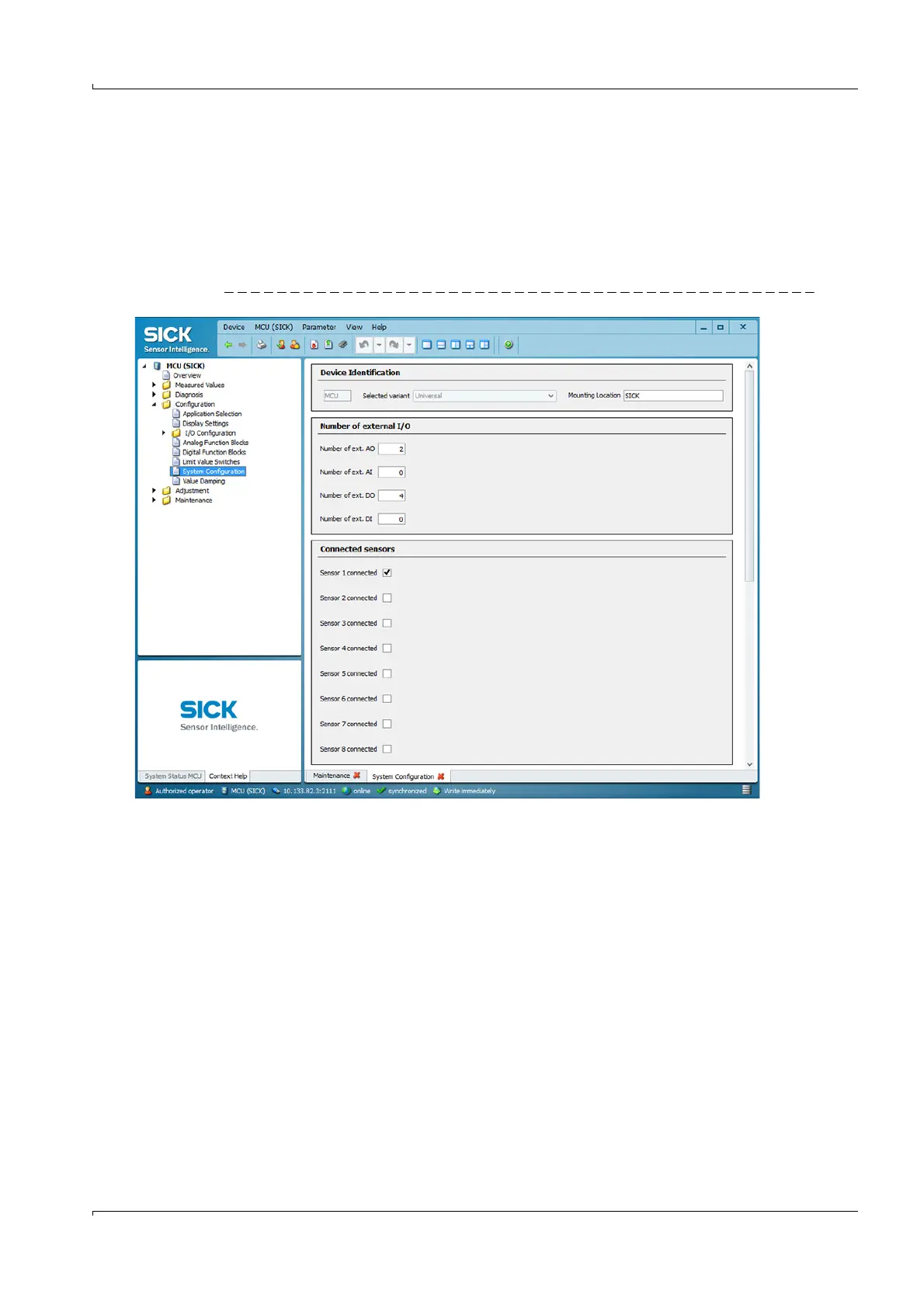
To do this, the modules installed in the MCU must be activated. To do this, open the “MCU”
device file, select the “Configuration / System Configuration” directory and check whether
the number of outputs entered in the “Number of external I/O” field matches the existing
ones (correct if necessary).
Fig. 76 Directory “Configuration / System Configuration“ (settings example)
4.3.1.1
Analog outputs
Configure in accordance with
p. 73, §4.2.6 (
p. 74, Fig. 61).
The basic settings (subdirectory “Overview analog outputs” (
p. 73, Fig. 60) apply to all
additional analog outputs in the same way.













 To Next Page