COMMISSIONING 6
Subject to change without notice
TRANSLATION OF THE ORIGINAL OPERATING INSTRUCTIONS| VMS6200
▸
Change the IP address of the configuration PC to the altered address range of the
connected device.
▸
In the title bar of the device tile, click on the icon with the three dots and select
Remove device entry.
▸
Perform a new device search in SOPAS. The device is found with its new IP address and
displayed in the device list.
Add the device with port 2111 to the SOPAS project.
▸
Connect the second volume measurement device to a free port on the Ethernet switch.
NOTE! As the default IP address for the first LMS500 was changed, this device can
remain connected via Ethernet.
▸
Perform a device search and change the default IP address as described.
NOTE! It is not necessary to install the device driver for the LMS500. This was already
completed when the first LMS500 was added.
▸
Change the IP address of the configuration PC to the address range of the MSC800
system controller.
▸
Perform a device search and change the default IP address as described.
▸
Change the IP address of the VMC800 in the same way.
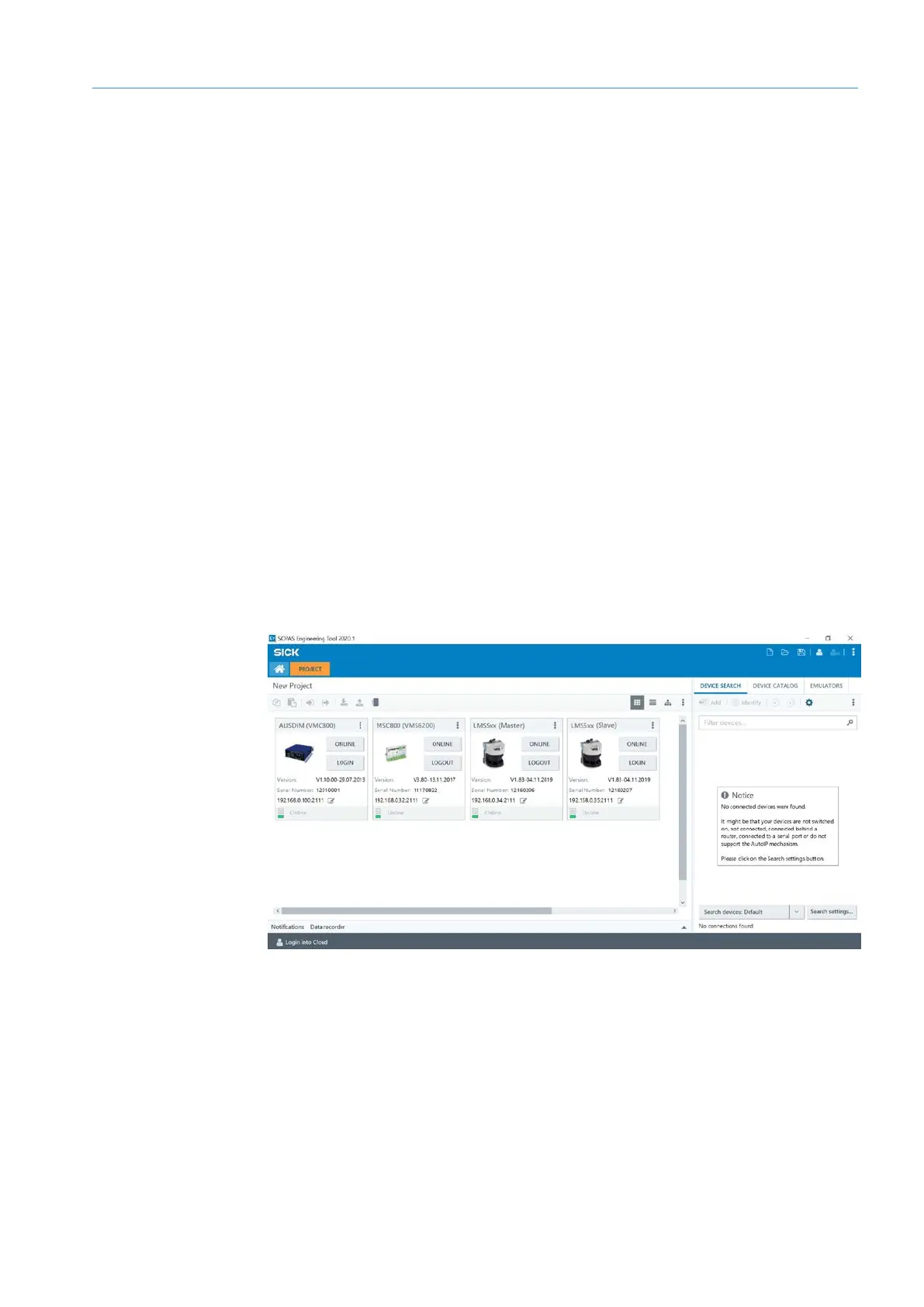
The MSC800, VMC800 and both LMS500 sensors are now displayed as device tiles in
the SOPAS project.
Procedure in the event
of deviating address
ranges
Configuring the
IP address of the
second LMS500
Changing the
IP address of the
controller


 To Next Page