1250 Frequency Response Analyzer Break, Self Test, Time Display and Power Fail
AMK/1250/3 14-3
If a fault is detected, the Display will show a message indicating the faulty area, e.g.:
Figure 14.3 - Check Fail Display
In this case, the 1250 should be switched off until the fault can be rectified. It is unlikely
that the instrument will be damaged if left switched on, but the readings are suspect.
TEST. Pressing this key implements a much more rigorous self test than that carried
out by CHECK. It verifies that all boards write and read correctly. The Measure Delay
and Watchdog timers are checked, and limited tests are performed on the
communications interfaces. The Display will request some user interaction via the
keyboard, as follows:
Press TEST. One horizontal line of dots will light in the Display, this line rolling
downwards automatically until all dots have been lit. This checks for short circuits and
open circuits. The pattern will repeat indefinitely to allow a thorough visual inspection.
Once the user is satisfied that the Display is correct, press ENTER.
A vertical line will now light and move across the Display from left to right, to check for
short and open circuits in that plane. Again press ENTER when satisfied.
A test pattern consisting of alphanumeric and other symbols will now appear on the
Display:
A B C D E F G H I J K L M N O P Q R S T U V W X Y Z ?∫ @ % ω µ π > θ ↑ ↓ = [ ]
+ - * / 0 1 2 3 4 5 6 7 8 9 a b c d e f g h I j k l m n o p q r s t u v w x y z
Press ENTER when satisfied.
A message will now appear on the screen:
press all keys ending with the enter key
number of keys pressed =
As each key is pressed, a number following the " = " sign is incremented by one, and an
abbreviated note of the key name is displayed. On pressing ENTER at the end of the
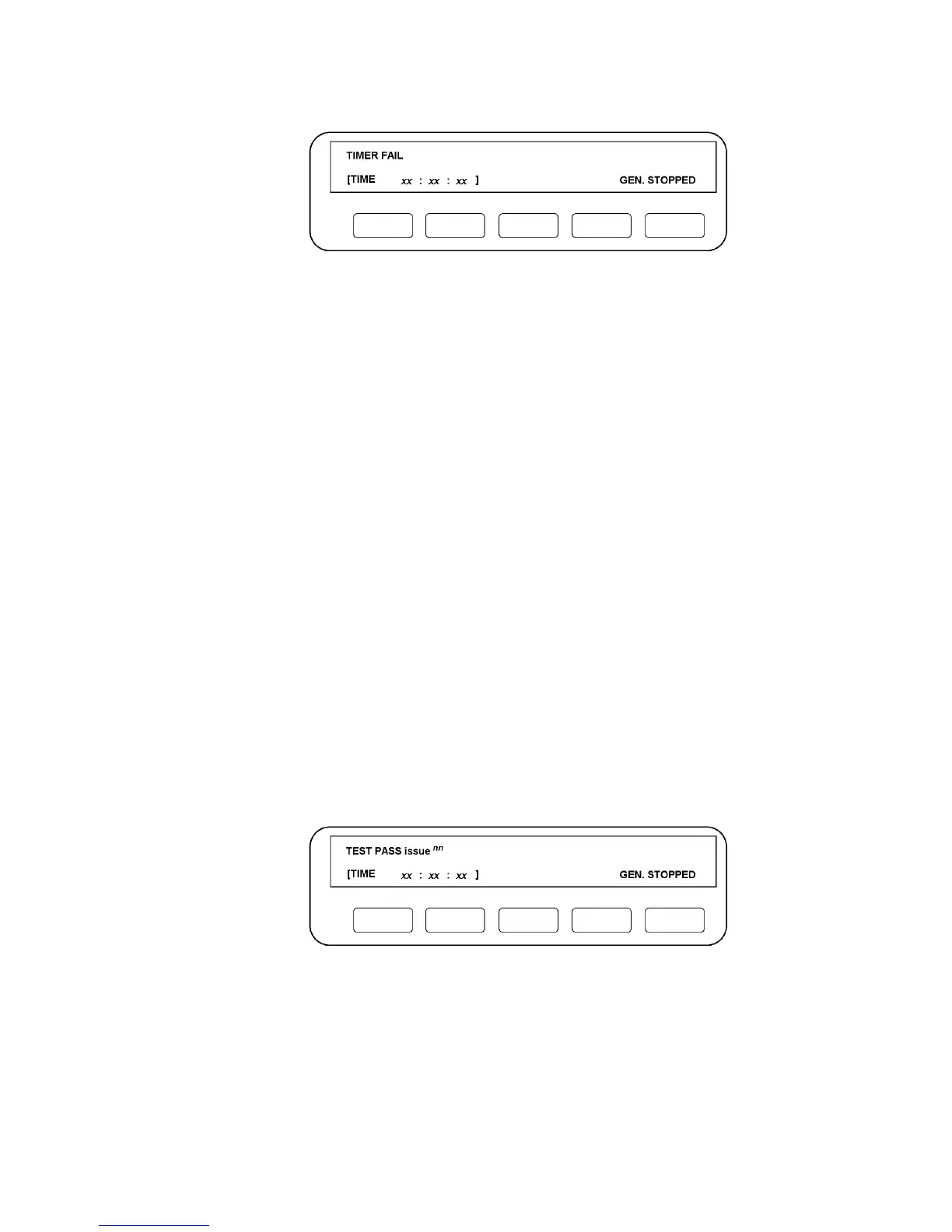
sequence, one of two messages will be displayed,
Figure 14.4 - Test Pass Display
Note: "nn" corresponds to the issue number of the software currently installed in the
1250.
This signifies that the performance of the 1250 has been verified to a deeper level than
by using CHECK.



 To Next Page