Additional Generator Controls 1250 Frequency Response Analyzer
9-4 AMK/1250/2
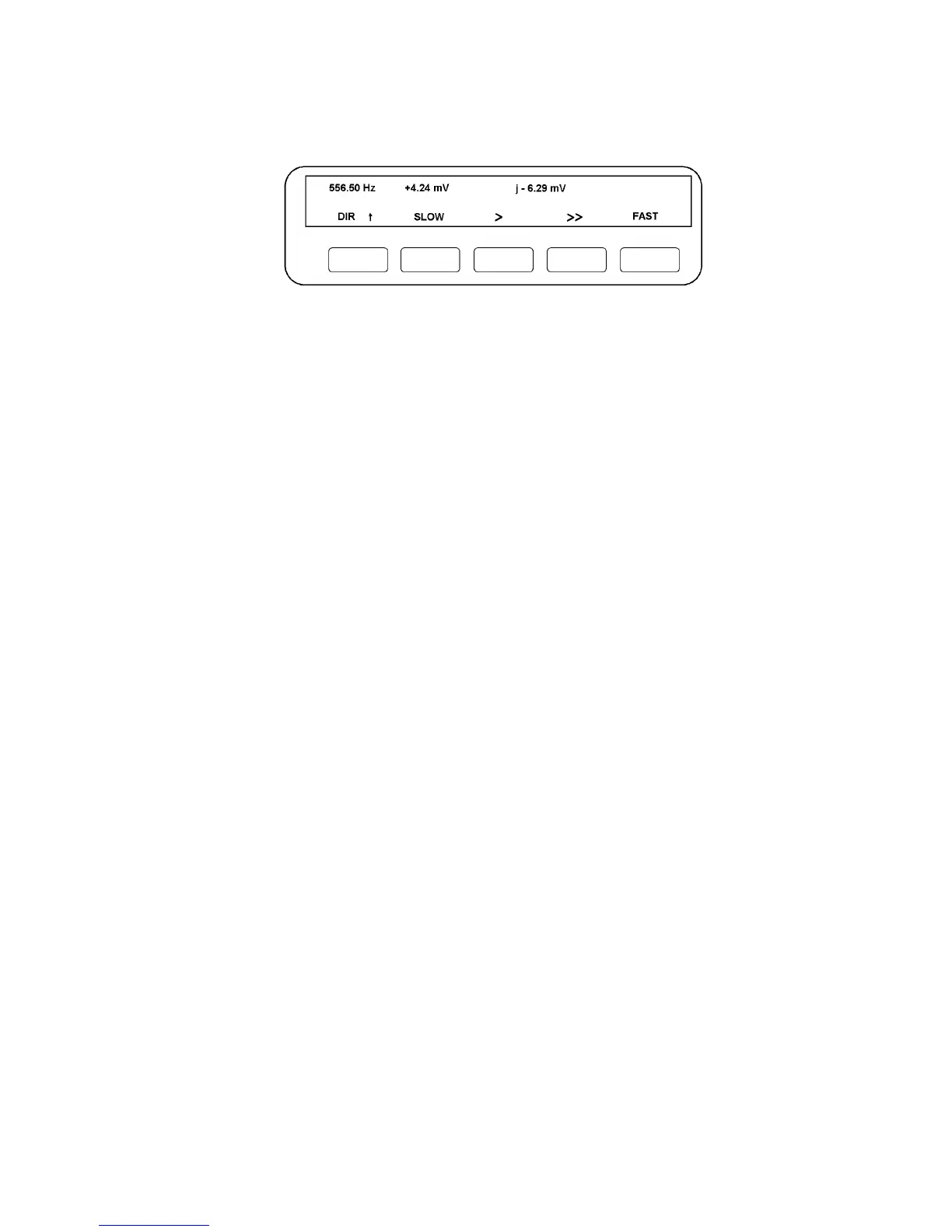
When VARIABLE is pressed, the Display will change to just show: VARIABLE. [freq] as
before. When the required Generator parameter has been entered, the Display will
resemble Fig. 9.3.
Figure 9.3 - Typical Display with VARIABLE pressed and Analyzers running.
The soft keys can now be manipulated as in Method 1, but this time their effect can be
observed on the displayed reading. If the Generator frequency is being varied, the
current value is shown at the top left-hand end of the Display. If amplitude or bias are
being varied, the current value can be found by interrogating the STATUS facility.
9.1.5 USING VARIABLE WITH THE GENERATOR STOP @ KEY
The VARIABLE key can be used in conjunction with the GENERATOR STOP @ key.
For example, if it is required to set a hydraulic ram to a particular maximum extension,
but it is not known how this relates to the Generator peak amplitude, proceed as follows:
1. Set the Generator to the required frequency and waveform, but set the
amplitude to zero volts.
2. Press GENERATOR START. The Generator output will still be zero, so the ram
should not move.
3. Press STOP @ 90°. The Generator will stop at peak amplitude, albeit this is still
zero at the output terminals.
4. Press VARIABLE. By using the five soft keys as described previously, the peak
amplitude, and hence ram extension, can be varied until the required value is
found.
5. Press GENERATOR START. A continuous waveform, having the required
maximum value, will now appear at the output terminals.



 To Next Page