Break, Self Test , Time Display and Power Fail 1250 Frequency Response Analyzer
14-4 AMK/1250/3
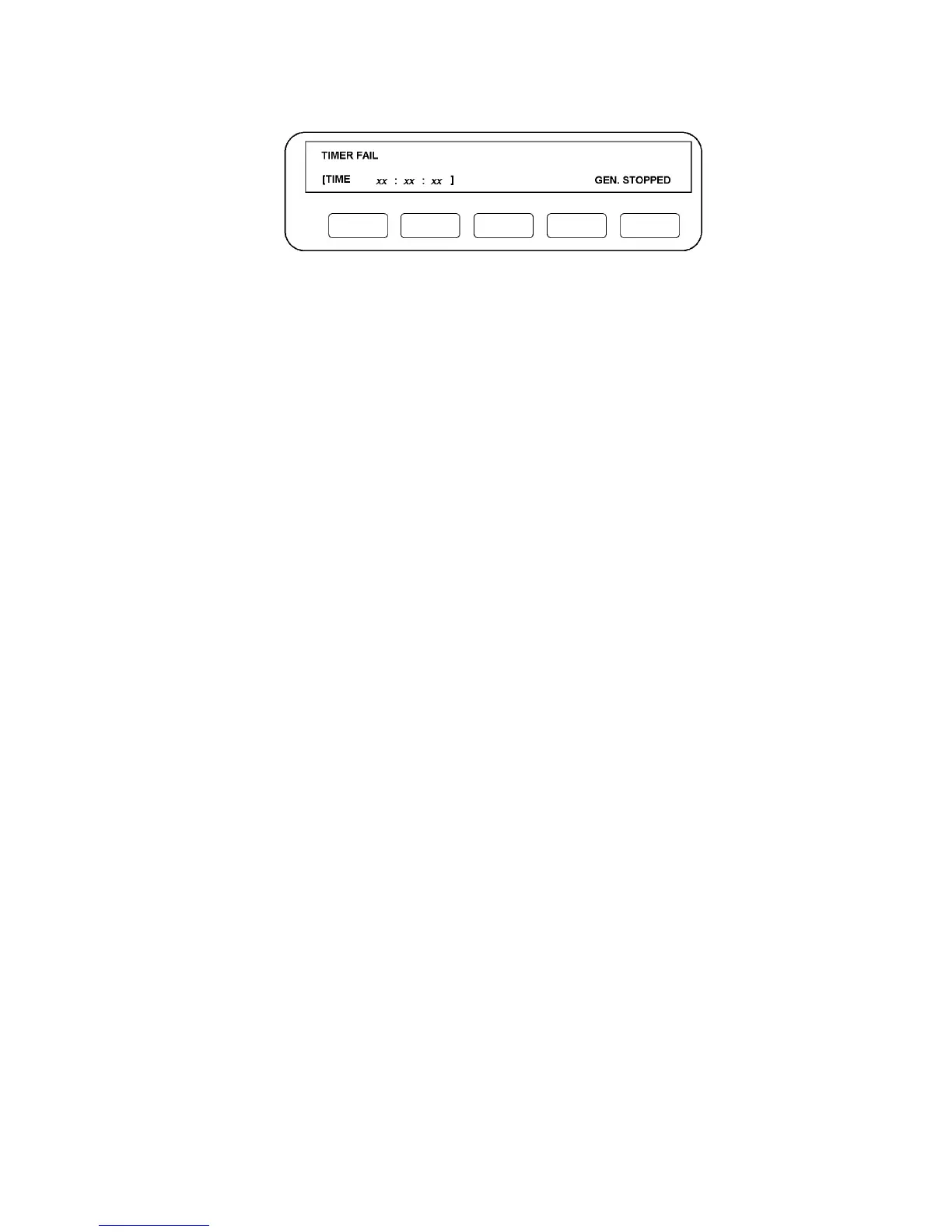
If a fault is detected, the Display will show a message indicating the faulty area, e.g.:
Figure 14.3 - Test Fail Display
The 1250 should be switched off until the fault can be rectified. It is unlikely that the
instrument will be damaged if left switched on, but the readings are suspect.
14.3 TIME DISPLAY
To enter a time into the Display, press "self test", followed by the TIME soft key. The
Display will show:
TIME: HOURS = ( )
Key the required hours value into the round brackets and ENTER. The Display will now
show:
TIME: HOURS = "value entered" MINUTES = ( )
Key the required minutes value into the round brackets and ENTER. The Display will
revert to the "self test" format.
When displayed, the Mini Status will now show the entered time, updated every minute.
Time can also be entered from a peripheral device via the GPIB or RS423 ports.



 To Next Page