Switching On and Initialising 1250 Frequency Response Analyzer
3-2 AMK / 1250 / 3
3.1 SWITCH ON
The mains on/off switch is under the bottom left hand corner of the front panel. Press in
to switch on, press again to switch off.
When the instrument is switched on, the Display setting is set to [All] (see Chapter 12
Section 2) regardless of its original setting. Therefore when power is switched on the
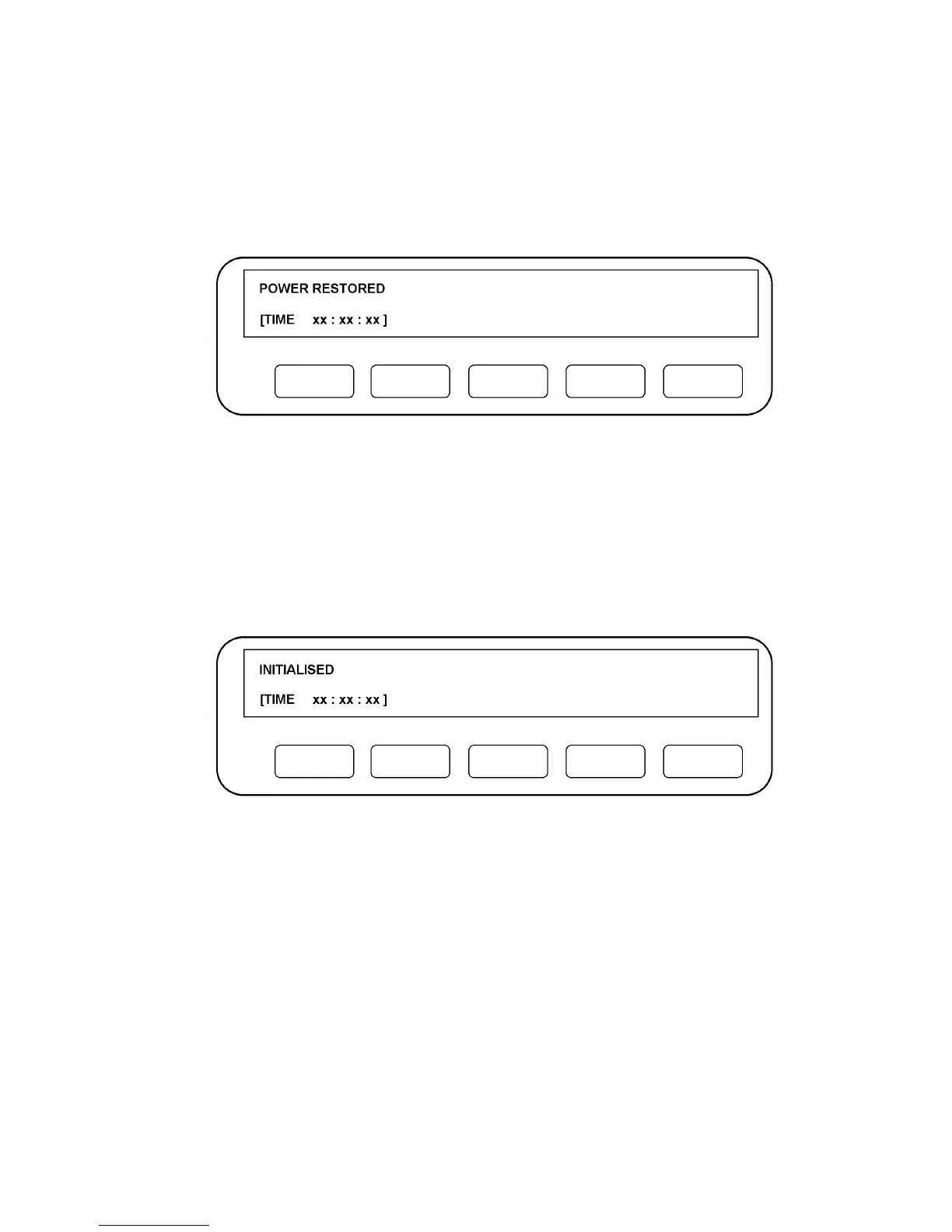
display will always show one of the following two messages:
Figure 3.1 - Power-up Message a.
This signifies that the 1250 has correctly remembered the settings for the Generator
etc., from the last time it was used. Also, any Learnt programs are still available, and
readings stored in the File have not been corrupted. Therefore the instrument may
continue to be used as if it had not been switched off. (A fuller explanation of this
feature is given in Chapter 14 Section 4 Power Fail).
The Time display, in hours, minutes and seconds, shows time elapsed since the
instrument was switched on, starting from zero. The time-of day can be entered in this
display from the Front Panel or externally, see Chapter 14 Section 3 Time Display.
Figure 3.2 - Power-up Message b.
This signifies that errors have been detected in the previous 1250 settings. Therefore
the control circuitry has erased the contents of the parameter store and returned all
settings to their default state. The contents of the File and the Learnt Programs 1 to 9
will also be erased, but Learnt Programs 10 to 18 will not be erased even if the
keyswitch is in the Supervisor position.
The configuration of the printed circuit boards (pcbs) present is also checked and the
"initialised" message displayed if:
a. Any of the essential pcbs are missing:
b. Any pcbs have been fitted or removed during the "power-off" period, e.g. option
boards.
The TIME display is reset to zero, as in "POWER RESTORED".



 To Next Page