1250 Frequency Response Analyzer Making Measurements: The Analyzers
AMK/1250/3 5-7
5.4 MEASUREMENT START
The Generator and Analyzer are assumed to have been fully set up for making simple
measurements, as described in the previous sections.
As explained under 'Starting the Generator', it is recommended that the Analyzer be
enabled now, before the Generator is started. However, the user may choose either of
the following methods:
1. With the Generator stopped
a. Enable the Analyser by pressing either SINGLE if only one reading is to be
taken, or RECYCLE if a continuous series of readings is required. The Analyzer
Status will change from ANALYZER STOP to ANALYZER IDLE, i.e. the
Analyser is now ready to make a measurement, but cannot do so until the
Generator has started.
b. Press GENERATOR START. The Display will now be updated to show the
latest reading, and the Generator Status will change from STOP to RUN.
c. If the Analyser is on RECYCLE, its Status will change to RUN, but if a Delay has
been entered, the Status will alternate between DELAY and RUN.
If the Analyser is on SINGLE with a Delay, the Status will first show DELAY,
change to RUN whilst the measurement is being made, then revert to STOP on
completion.
2. With the Generator already running
a. Enable the Analyser by pressing either SINGLE if only one reading is to be
taken, or RECYCLE if a continuous series of readings is required. The Display
will be updated to show the latest reading.
b. The Status information will follow the sequence given in 1c.
The Running Display
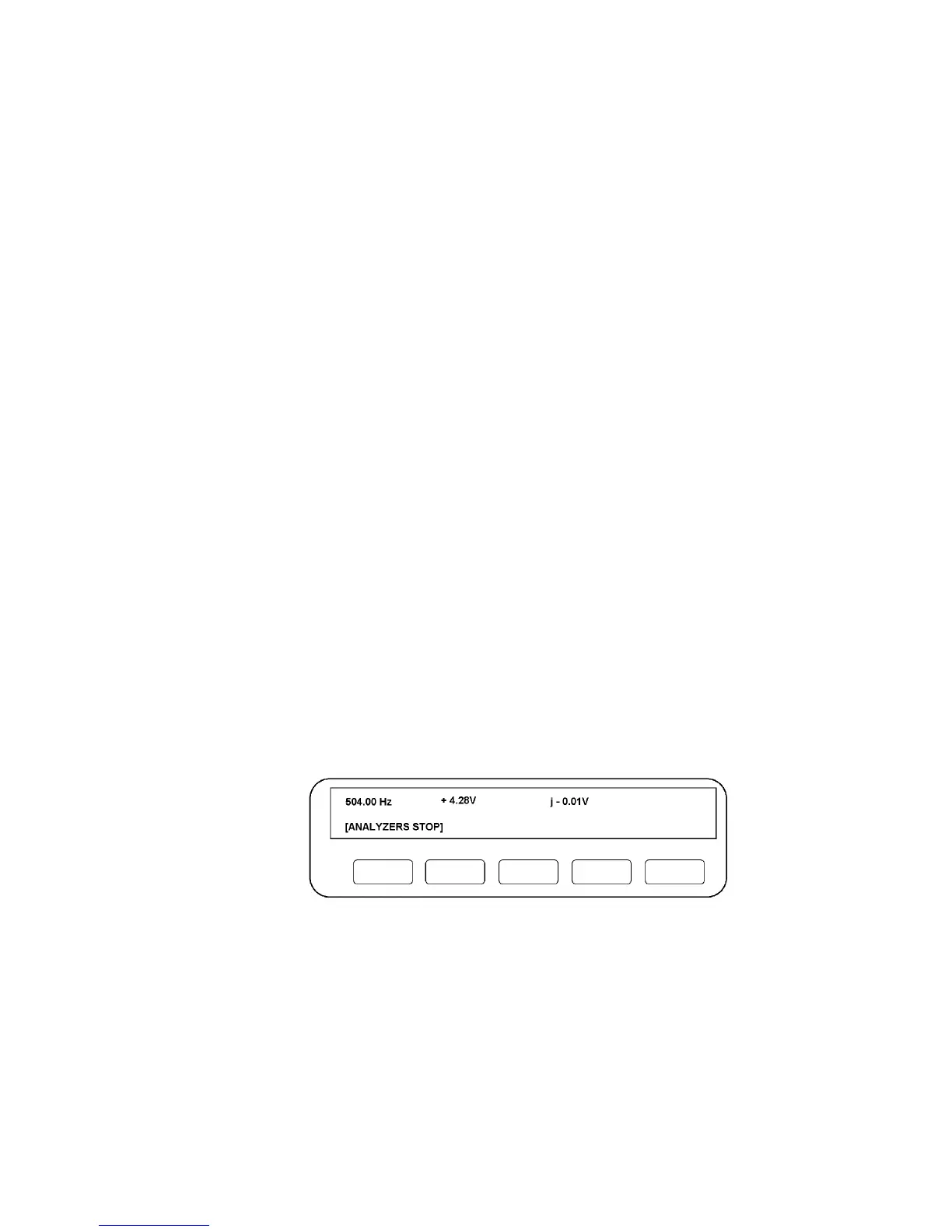
When the 1250 has completed a measurement, the Display will resemble Fig. 5.4.
Figure 5.4 - The Running Display
The top left-hand number shows the frequency at which the measurement was made, in
this case 504 Hz. The remaining two numbers show the result of the measurement, in
Cartesian convention. Changing the Display to show readings in Polar or Log Polar
form is explained in Chapter 7.



 To Next Page