The Display Menu and Mini Status 1250 Frequency Response Analyzer
7-4 CHFR/1250/2
7.4 MINI STATUS DISPLAY
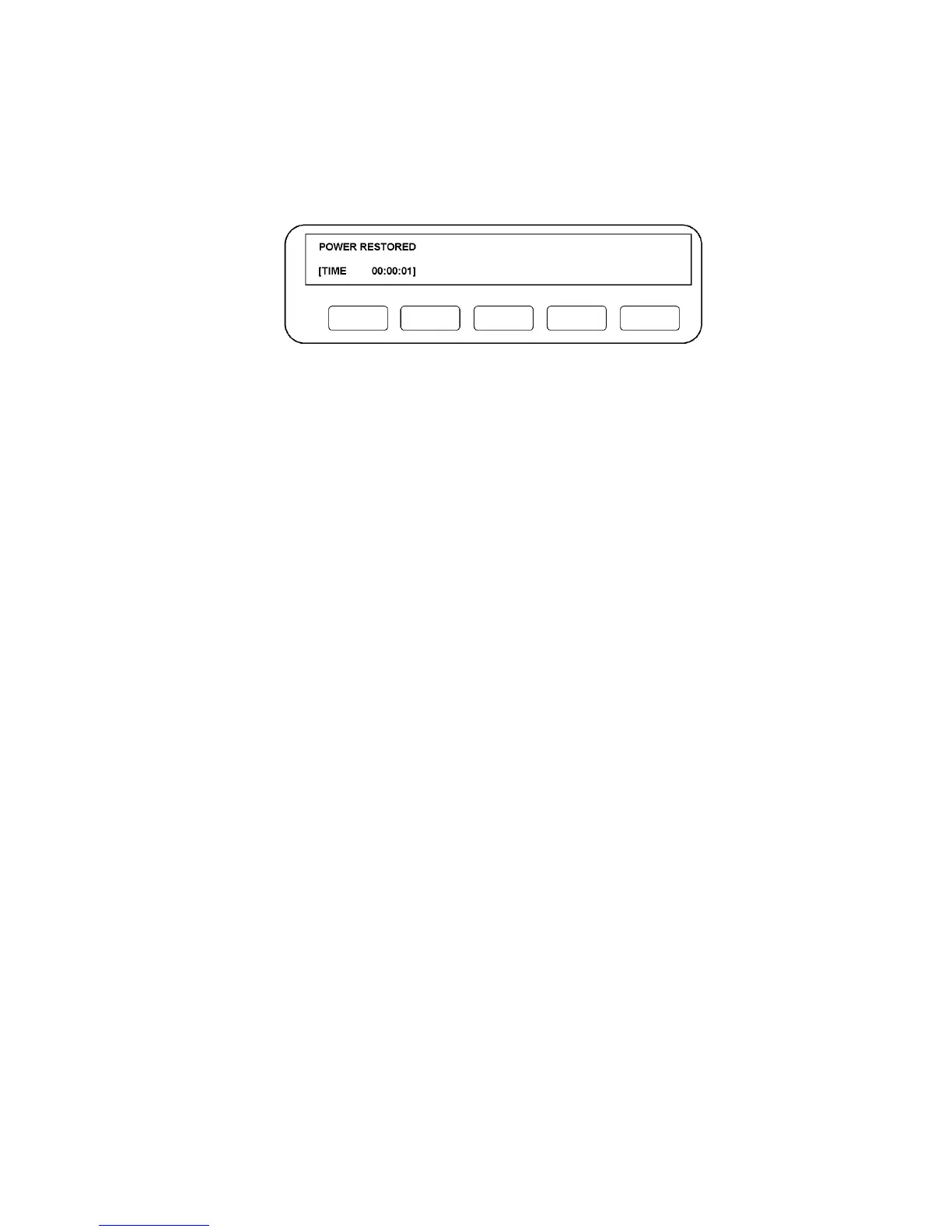
When the bottom line of the Display appears in square brackets, as Fig. 7.2 below, the
SELECT key can be used to call up the following status messages. Where one of
several different messages may follow a title, they are shown in the form:
/IDLE/RUN/NONE.
Figure 7.2 - Example of Mini Status Display showing TIME
[FRA READY]/BUSY/PROGRAM/remote/pause
[TIME xx:xx:xx]
[GENERATOR RUN]/STOP/FAULT
[ANALYZERS STOP]/RUN/IDLE/DELAY/WAIT
[SWEEP STOP]/IDLE/HOLD/RUN
[PLOTTER STOP]/IDLE/RUN/NONE
[SYNC. NONEI/IDLE/WAIT/STABLE/LOCKED/FAULT (but without the fault
identification number which appears when the STATUS key is used).
[GPIB IDLE]/maj TACS/maj LACS/min TACS/min LACS.
[STATUS xxxxxxxx] The significance of the 8-digit nurnber is explained in Chapter 13,
Section 3.1.



 To Next Page