Break, Self Test , Time Display and Power Fail 1250 Frequency Response Analyzer
14-2 AMK/1250/3
14.1 THE BREAK KEY
Note that this key operates only when the 1250 is in the Local mode. When pressed, it
instantly stops any activity upon which the 1250 is engaged, and the message BREAK
IN is displayed. Its main functions are:
1 . To terminate a measurement prematurely, which would otherwise continue to the end
of the integration cycle, even although ANALYZER STOP has been pressed.
2. To return control of the Analyzer to the Front Panel, when the Analyser is in the Wait
mode.
3. To stop the contents of the File being listed, i.e. if the user wishes to abort the List
File command part way through the listing.
4. To abandon the Learnt Program mode and restore Front Panel control.
5. To enable the 1250 to learn new settings of the GPIB switches on the rear panel,
without having to initialise. See GPIB section for details.
6. To clear, and unconfigure, the Serial Poll STATUS BYTE.
14.2 SELF TEST
There are two self test programs available for checking the functional state of the 1250.
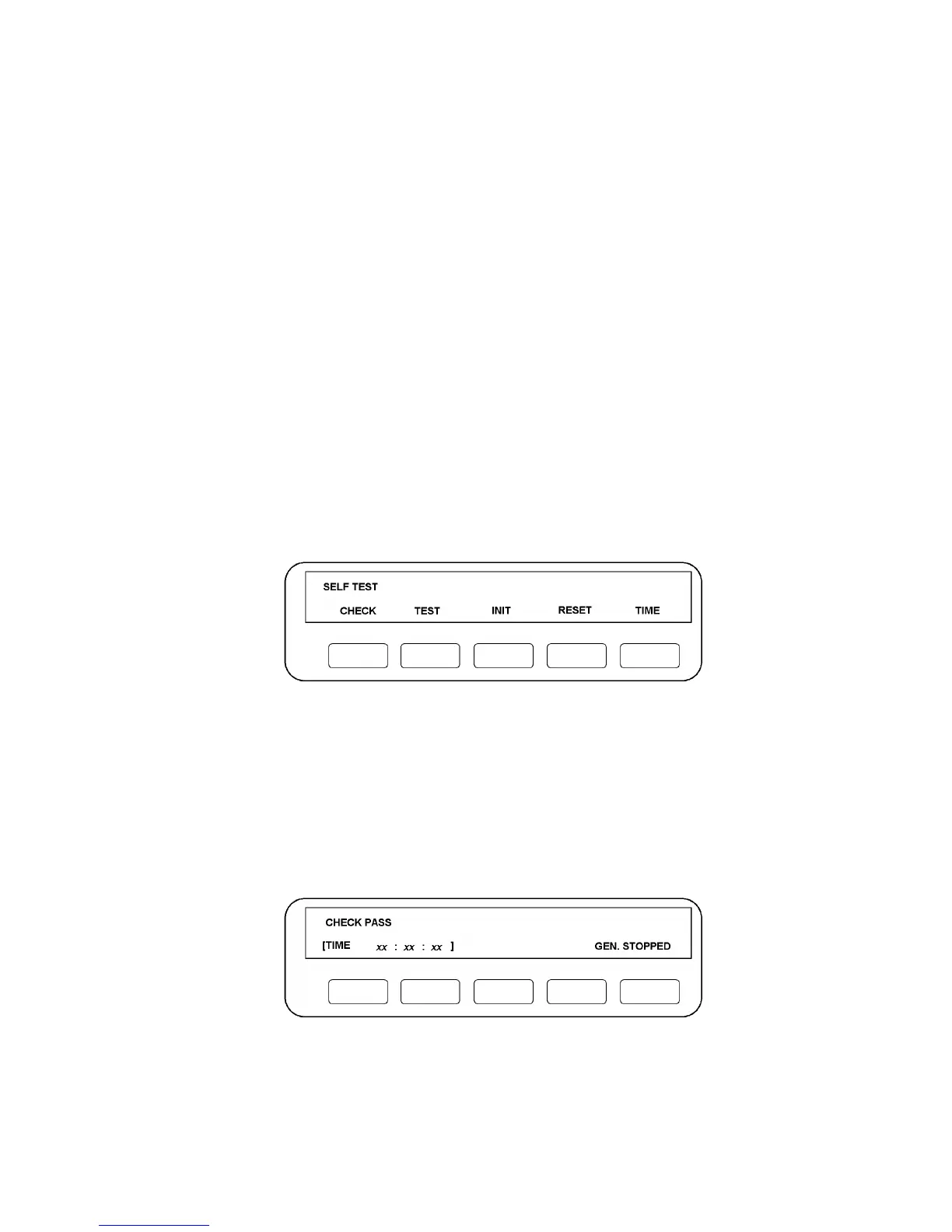
To gain access to these, press "self test" on the Front Panel. Five soft keys will be
assigned as shown in Fig. 14.1.
Figure 14.1 - Self Test Display
The INIT and RESET keys have already been described in Chapter 3, Sections 2 and 3.
The other facilities are:
CHECK. Pressing this key initiates a relatively simple self test. It is useful for checking
that the 1250 has no obvious faults, without disturbing any of the stored data. Check
sums are performed on all the memories and basic circuit functions verified.
The user is not required to operate any other Front Panel keys. The TIME display is not
reset and continues running. A satisfactory CHECK produces the following message:
Figure 14.2 - Check Pass Message



 To Next Page