Switching On and Initialising 1250 Frequency Response Analyzer
3-4 AMK / 1250 / 3
3.3 RESETTING
To return all settings to the default state, without erasing the File and Learnt Programs,
press the RESET soft key instead of INIT.
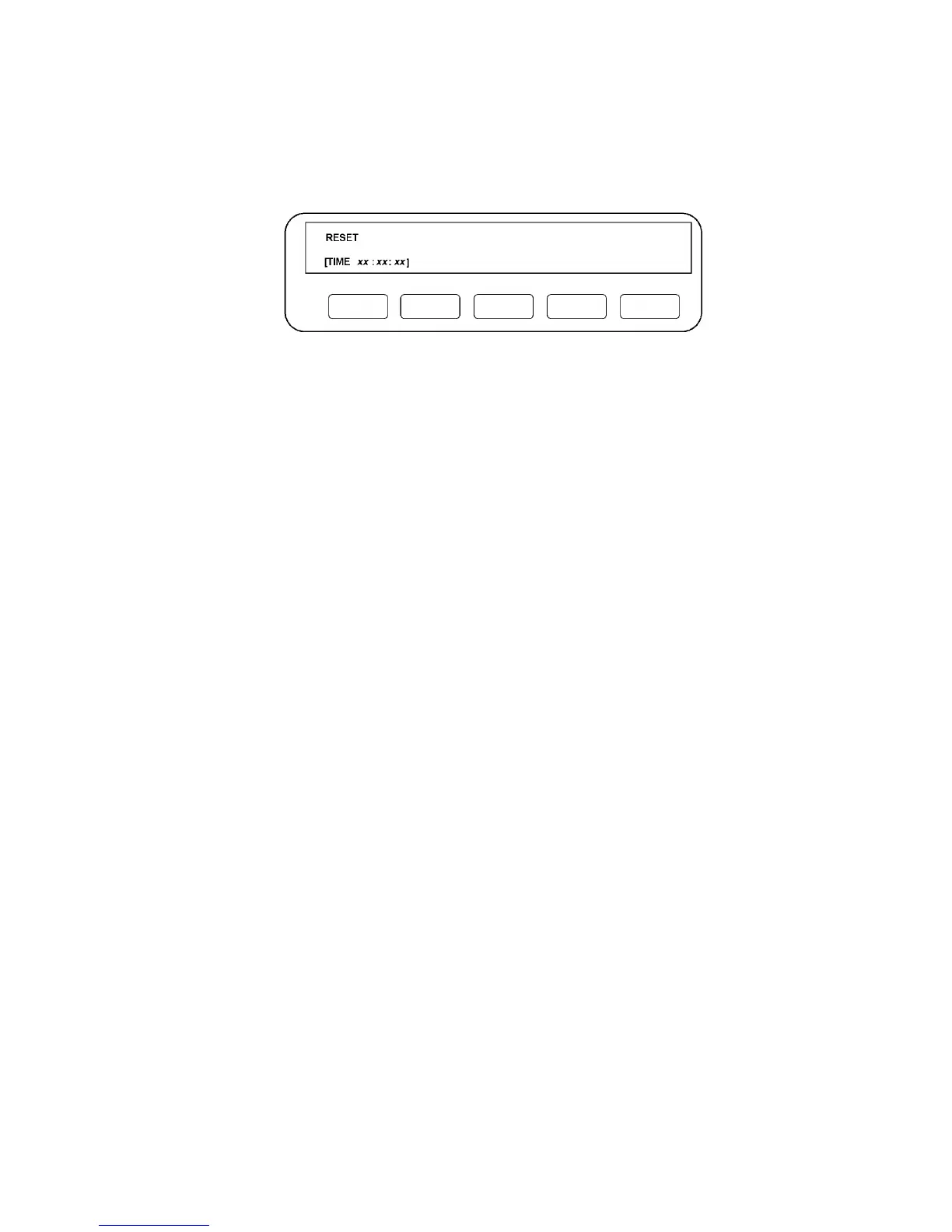
When resetting is complete, the Display will be as shown in Fig. 3.5.
Figure 3.5
For details of other “self test” functions, see Chapter 14 Section 2 Self Test.



 To Next Page