DMS-1200 Release 6 Operations Manual
Section 7 – DAS Device Control 75
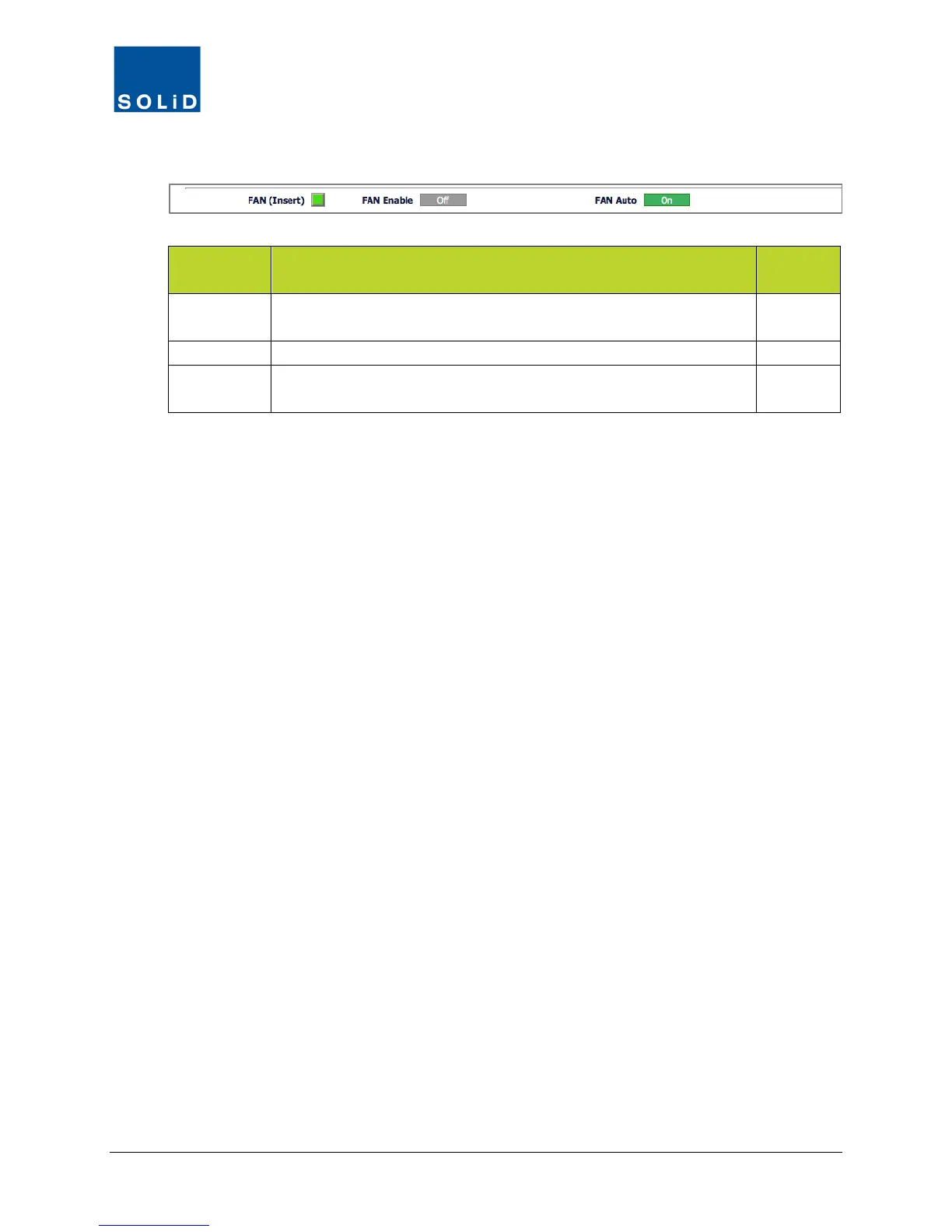
4. Configure settings for the fan units according to these guidelines.
Field Action / Description
User
Configure
FAN (Insert) Shows status of fan. Green = normal operation. Red = fan is not
N
Click the toggle to turn fan unit On/Off.
FAN Auto Click toggle to turn Auto fan feature On/Off. When On, fan turns on
when unit exceeds predetermined temperature limit.
Y
Table 7.22 – Fan Setup Fields (TiTAN HMRU and HARU Only)
5. Click Apply when you are done. Changes are saved immediately.



 To Next Page