347Setup Relating to Router Interface and Tally
Chapter 16 Engineering Setup
2
Press [Delete].
This deletes the selected tally copy entry.
Parallel Tally Settings (Parallel Tally Menu)
For settings relating to parallel tally, use the Router/Tally>Parallel Tally menu.
To display the Parallel Tally menu
In the Engineering Setup menu, select VF6 ‘Router/Tally’ and HF6 ‘Parallel
Tally.’
The status area shows the parallel tally settings.
Making or modifying parallel tally settings
Use the following procedure.
1
In the <Device> group of the Router/Tally>Parallel Tally menu, select
DCU1 or DCU2.
2
Using any of the following methods, select the slot number and port
number.
• Press directly on the list appearing in the status area.
• Press the arrow keys to scroll the reverse video cursor.
• Turn the knobs.
3
Press [Set].
The Set menu appears.
4
In the <Source/Destination> group, select the tally type.
Src: Return a tally to all sources output to the destination.
Dest: Return a tally to the destination outputting the source to which a
source tally is returned.
5
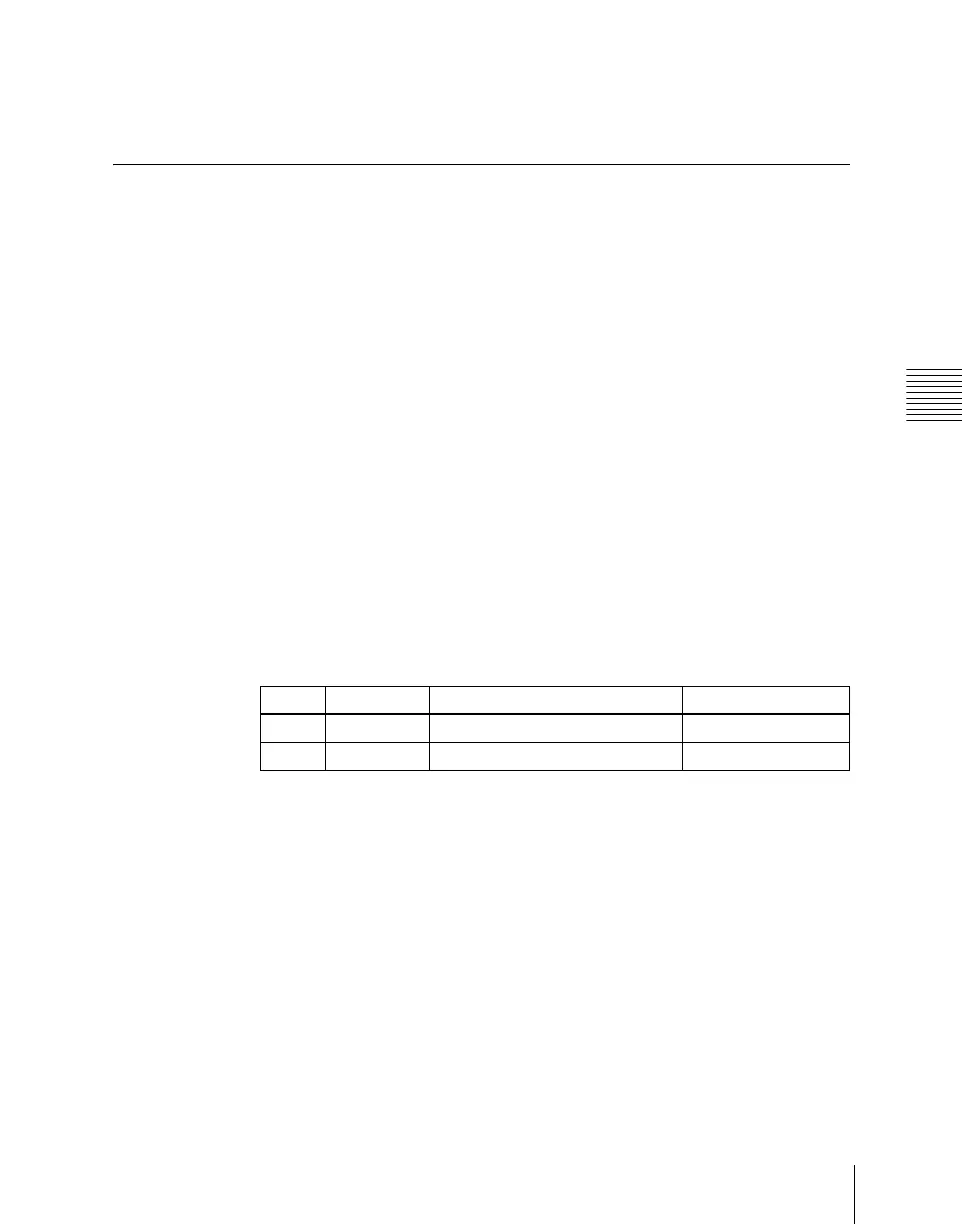
Set the destination address and level.
The level setting is only required when in step 4 you selected Destination.
Knob Parameter Adjustment Setting values
1 Slot No Parallel tally slot number 2 to 6
2 Port No Parallel tally port number 1 to 54



 To Next Page