2. Adjust the levels B to desired level for R, G and B respectively.
To adjust all levels for R, G and B simultaneously, adjust them using Master.
• Adjustment item : [R], [G], [B], [Master]
3. Store the reference file.
(Refer to the “5-4-12. File Store”.)
5-4-9. Gamma Correction Adjustment
Equipment: Waveform monitor (R, G, B)
Test Point: SDI 1 connector
Object: Grayscale chart
Preparation
• Setting for MSU
KNEE OFF button → OFF (lit)
GAMMA OFF button → ON (dark)
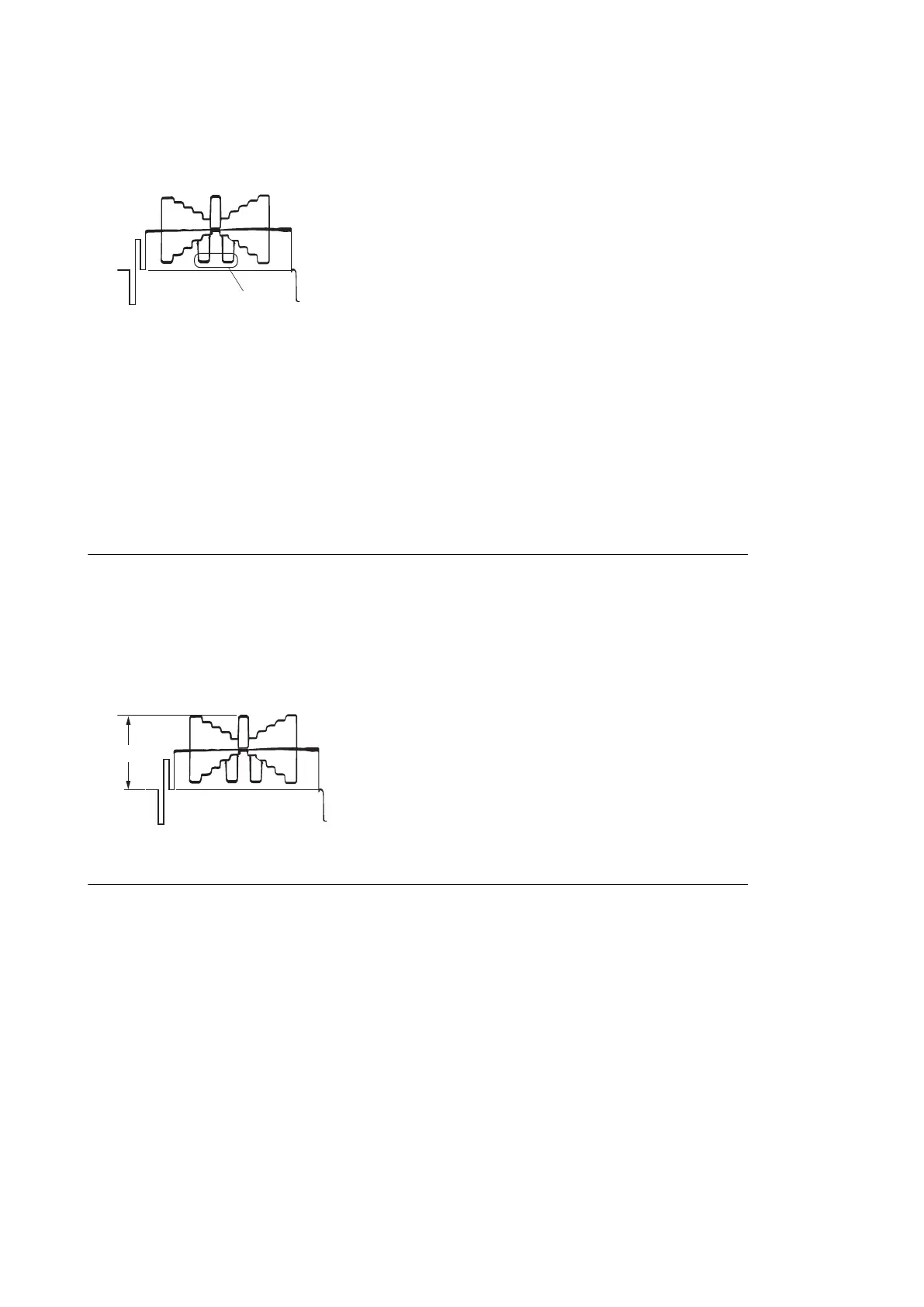
• Shoot the grayscale chart so that the chart frame is aligned with the under scanned monitor frame.
• Lens iris: A = 700 ±20 mV
Procedure
1. Operate the control panel of MSU, and perform the automatic white balance adjustment.
WHITE button → ON (lit)
After the adjustment is completed, the message “AWB : OK” is displayed.
2. Operate the control panel of MSU, and set as follows.
(1) PAINT button → ON (lit)
(2) Touch panel operation: (Page 1) → [Gamma]
HDC4300
5-24



 To Next Page