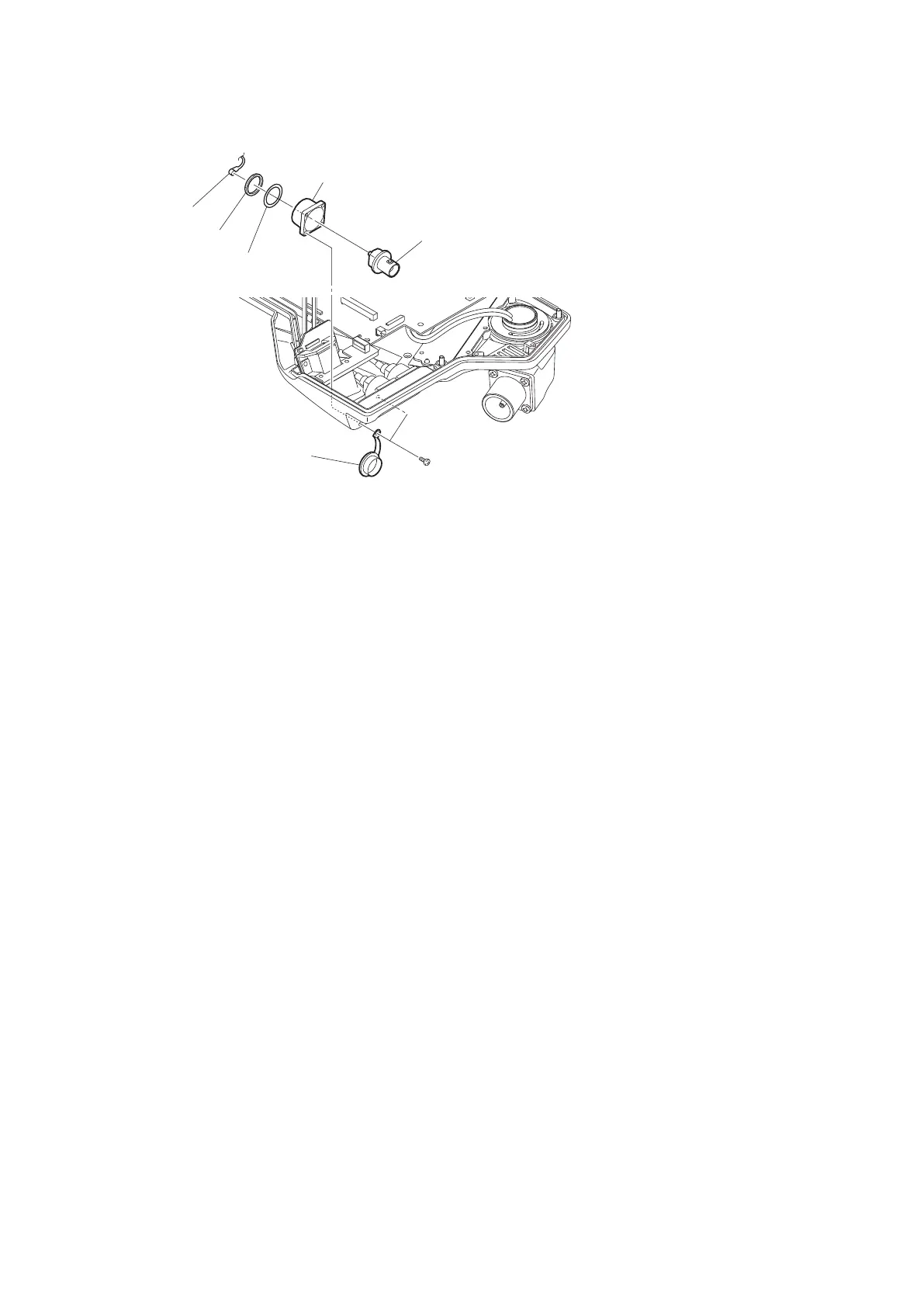
3. Remove the nut and washer, and detach the PROMPTER connector.
Bracket BNC
PROMPTER connector
Nut
Washer
B2 x 5
BNC cap
Coaxial cable
4. Install the removed parts by reversing the steps of removal.
4-3-7. Coaxial Cable
Preparation
1. Remove the outside panel assembly. (Refer to“4-3-1. Outside Panel Assembly”)
2. Remove the MEM-147 board assembly. (Refer to“4-3-2. MEM-147 Board/TX-146 Board”)
Procedure
1. Disconnect the coaxial cable from the connector (SDI1).
2. Remove the four screws, and detach the two BNC caps, and two brackets BNC.
HDC4300
4-14



 To Next Page