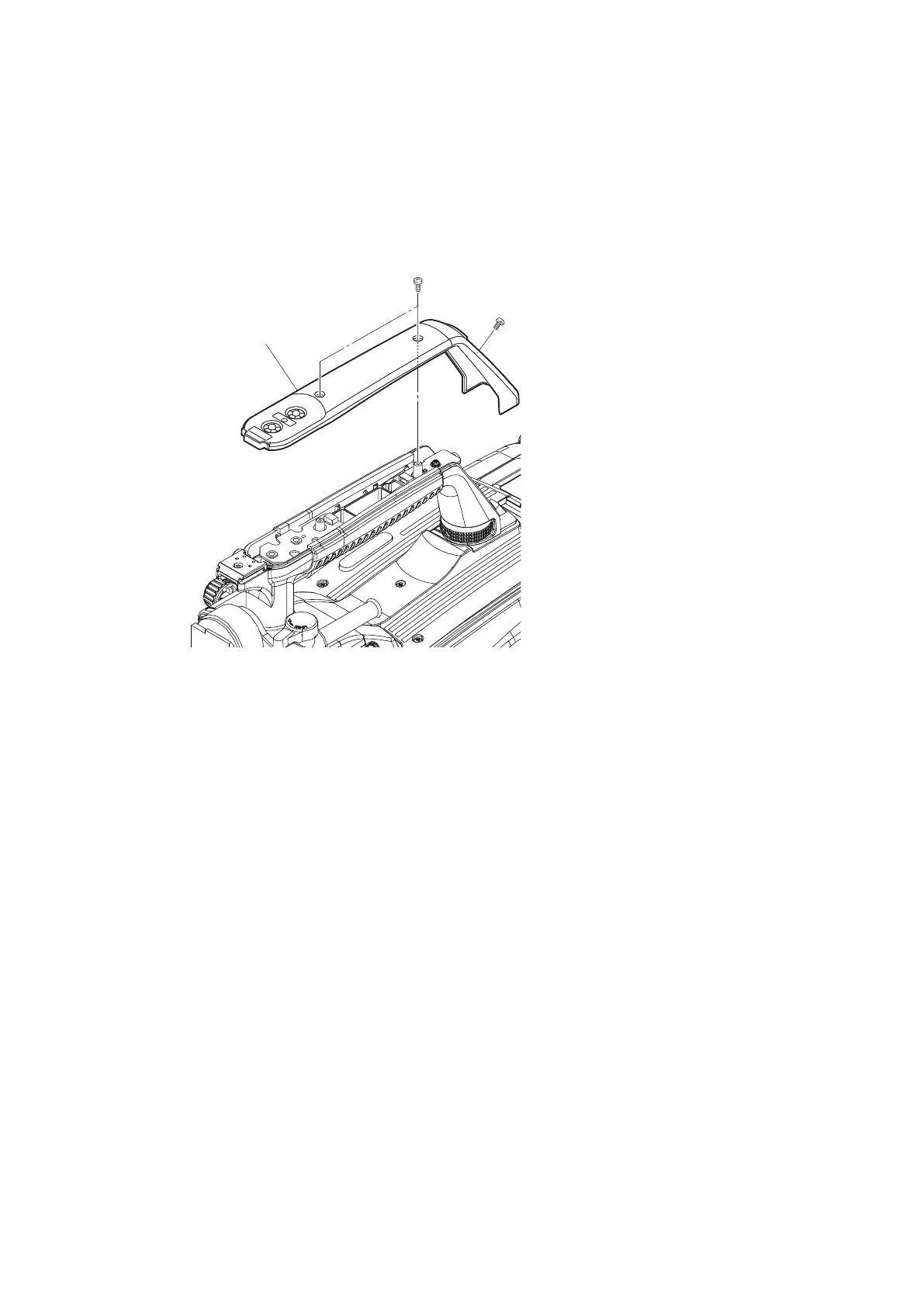
4-7. Handle Block
4-7-1. LE-376 Board/SW-1524 Board
Procedure
1. Remove the three screws, and detach the handle cover (R).
2. Disconnect the harness from the connector (CN1) on the LE-376 board.
3. Remove the screw, and detach the LE-376 board.
4. Remove the toggle SW cushion.
5. Disconnect the harness from the connector (CN2) on the SW-1524 board.
6. Remove the screw, and pull up the SW-1524 board in the direction of arrow.
HDC4300
4-21



 To Next Page