Start by selecting the desired set. The current measurement fields appear
on the right side. Next, select the value to be changed. This is illuminated
yellow.
Next, use the touchscreen or control knob to open a drop-down menu
with all available measurement fields on the left side. Use the arrow
buttons to select and the touchscreen or control knob to activate the
desired field, which is immediately added to the measured value bar.
Repeat as necessary until configuration is complete. Changes are
automatically saved when exiting the menu and remain in effect after
restarting the EVE
TR
.
4.4 Setup
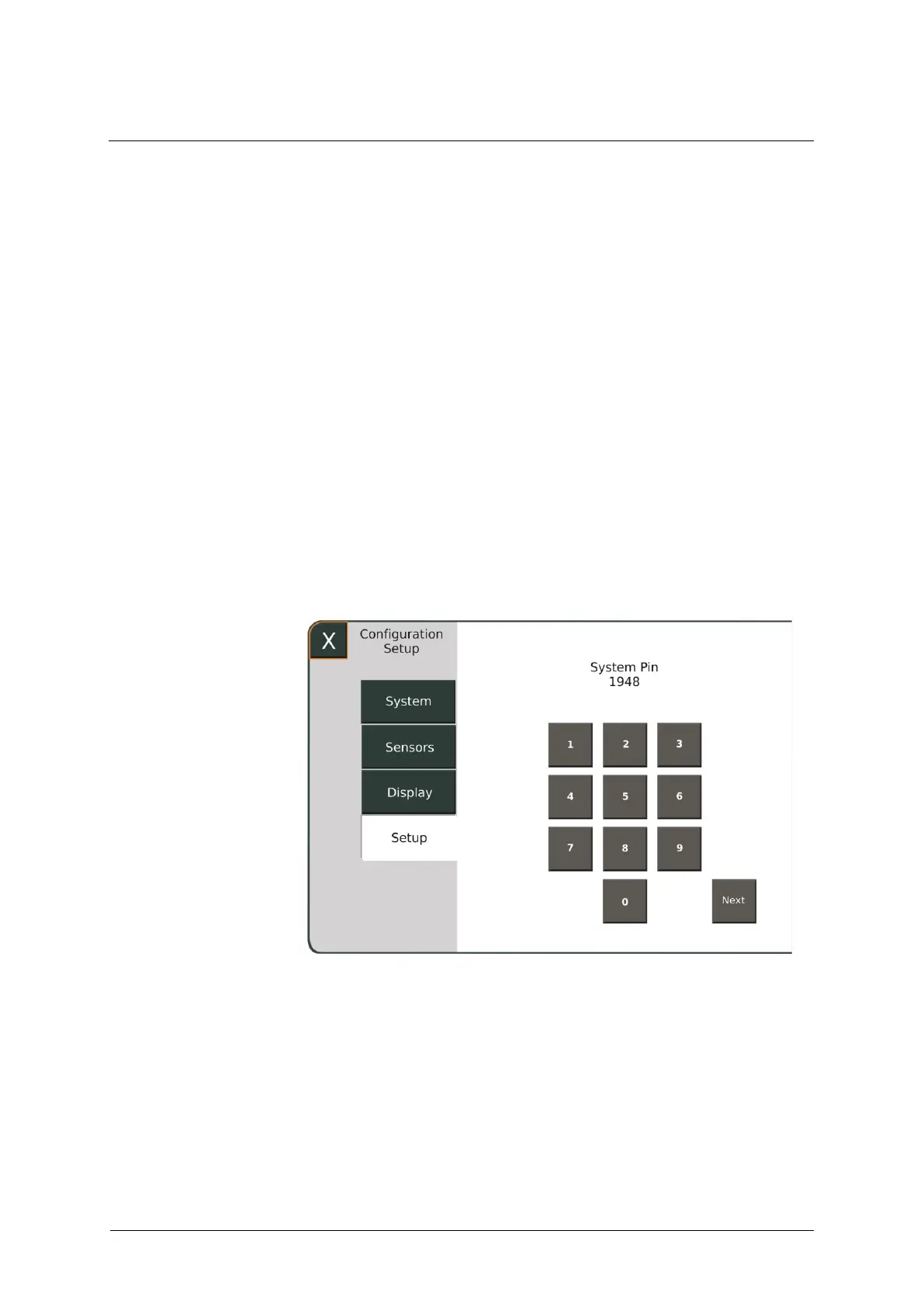
The Setup menu lets you make changes and configure settings that
directly affect the ventilator's therapy settings. For this reason, this area is
protected by a 4-digit code 1948 to be entered on the touchscreen.
Fig. 59: Entering the code



 To Next Page