3 Design and functional description
Setting options and parameters 3.2.1.2
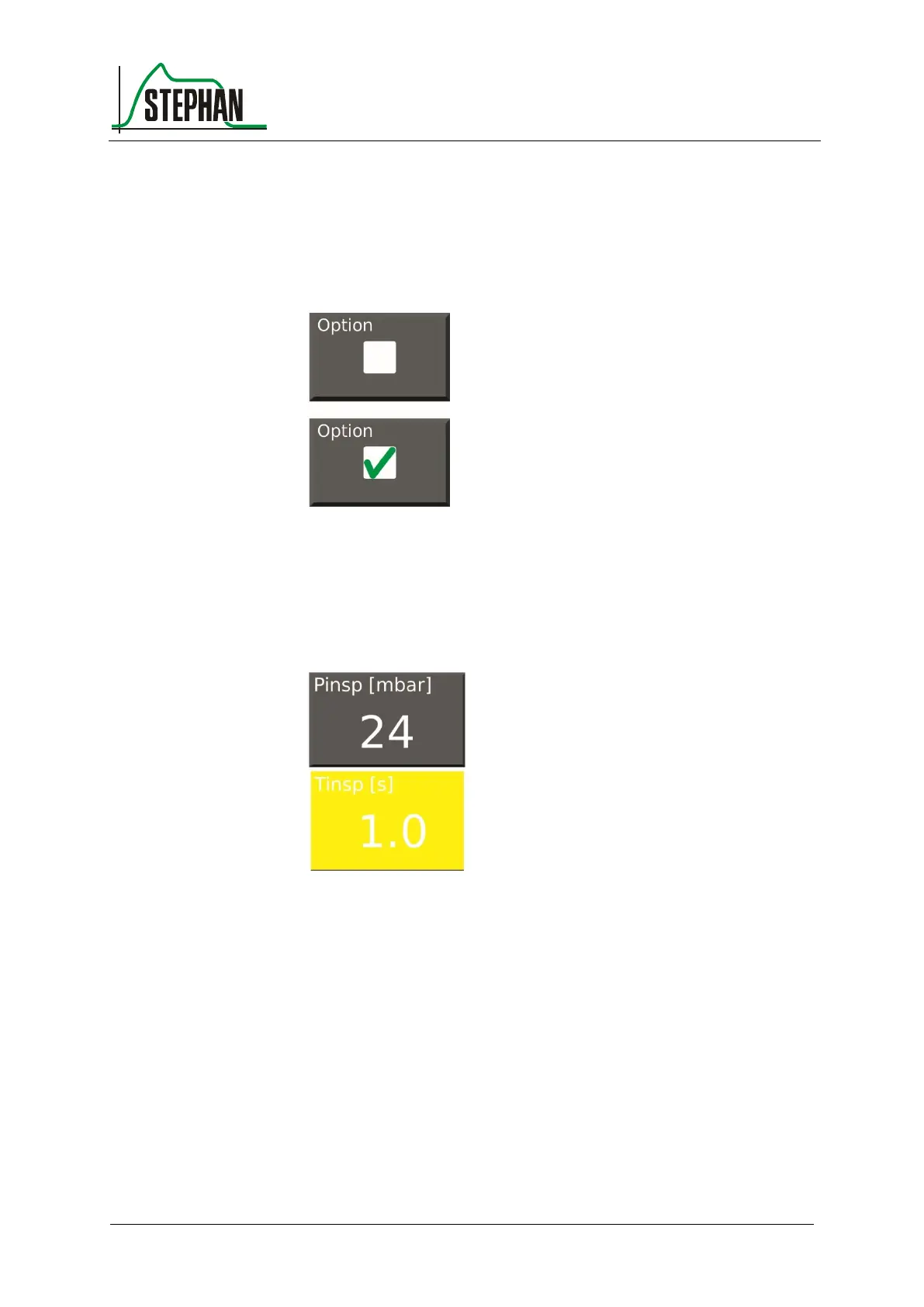
Pressing an option field places a green checkmark.
This will select the corresponding option.
Fig. 8: Option deselected/selected
Selecting a parameter field changes its color to yellow. The value can
now be changed using the control knob. Pressing the control knob again
will accept the value, and the field color changes back to gray.
Fig. 9: Changing values



 To Next Page