3 Design and functional description
3.2.1 General information about touchscreen navigation
The EVE
TR
is controlled using a combination of touchscreen fields and
the control knob. Both the touchscreen and the control knob can be used
to select parameters or fields. When changing a numeric parameter, the
control knob must be used to confirm this in order to accept the modified
value.
Selecting a function field 3.2.1.1
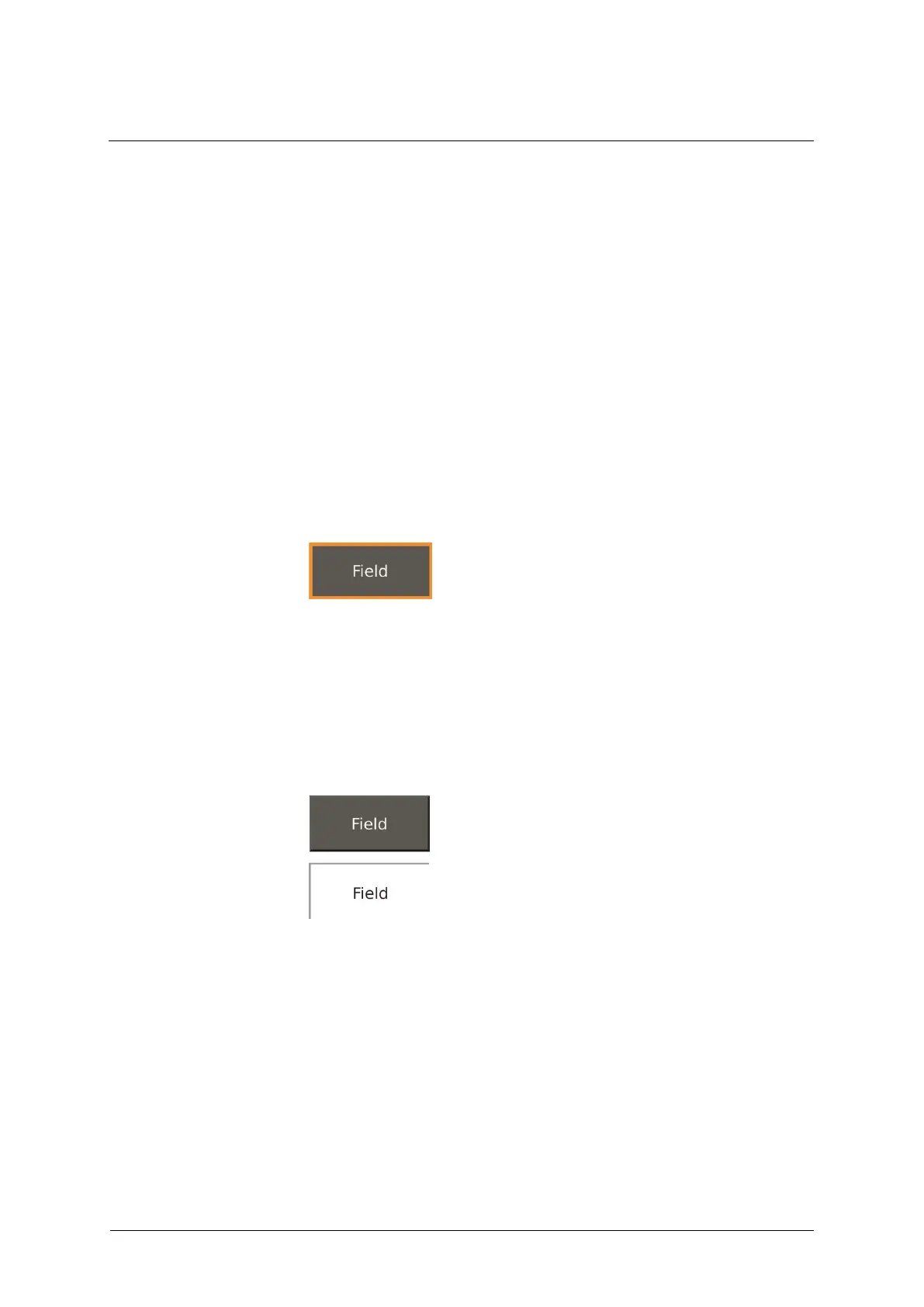
When navigating the display using the control knob, the focus is
indicated by an orange border. The field is "in focus" and can be selected
using the touchscreen or by pressing the control knob again.
Fig. 6: Focus
When selected, the color of a function field/tab changes from green to
white. In case of navigation, no further confirmation is necessary. For
safety-relevant functions (e.g. when changing the ventilation mode), a
second button appears for confirming the selection.
Fig. 7: Selecting a function field



 To Next Page