6.4 Standby mode
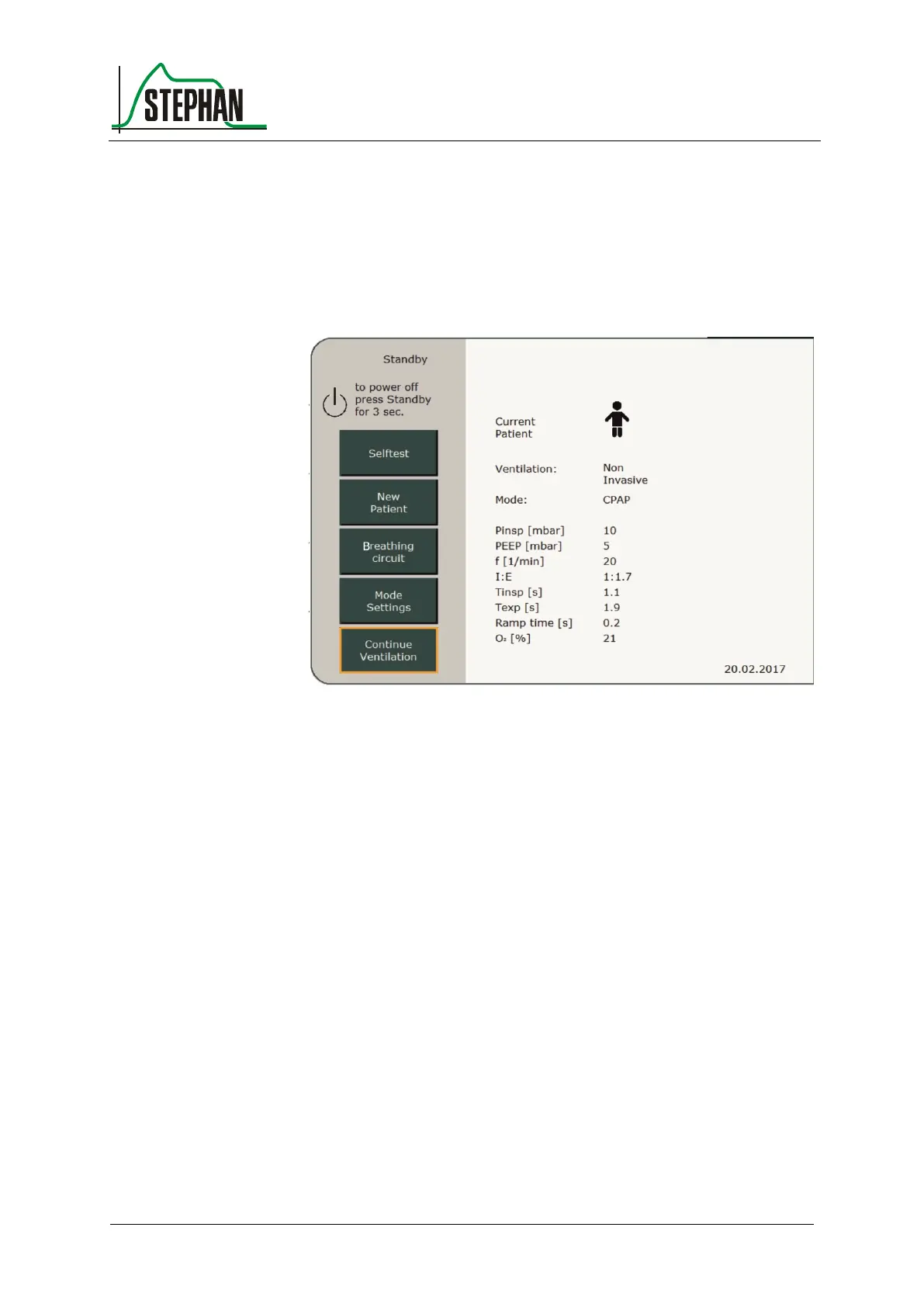
If the selftest is passed, the standby screen appears. Initially, it always
shows the ventilation mode and settings for the most recent ventilated
patient.
Fig. 74: Standby mode
To keep these settings, press the »Continue Ventilation« field to activate
ventilation. Press the »New Patient« field to create a new patient.
To switch to Standby mode from a current ventilation process, press and
hold the On/Off/Standby button for 3 s (see chapter 6.2).
6.5 Using fast tracking keys
The easiest way to start a new ventilation process is by using the fast
tracking keys on the front panel of the ventilator (see chapter 3.1.2).
These provide a quick and easy way to select the default ventilation
parameters for preterm infants and newborns, children, and adults
(see chapter 6.7.1).



 To Next Page