To prevent operator errors, the desired fast tracking key must initially be
pressed for 0.5 s, after which it starts to flash green. Pressing the key
again for 0.5 s will then start or switch to the selected ventilation mode.
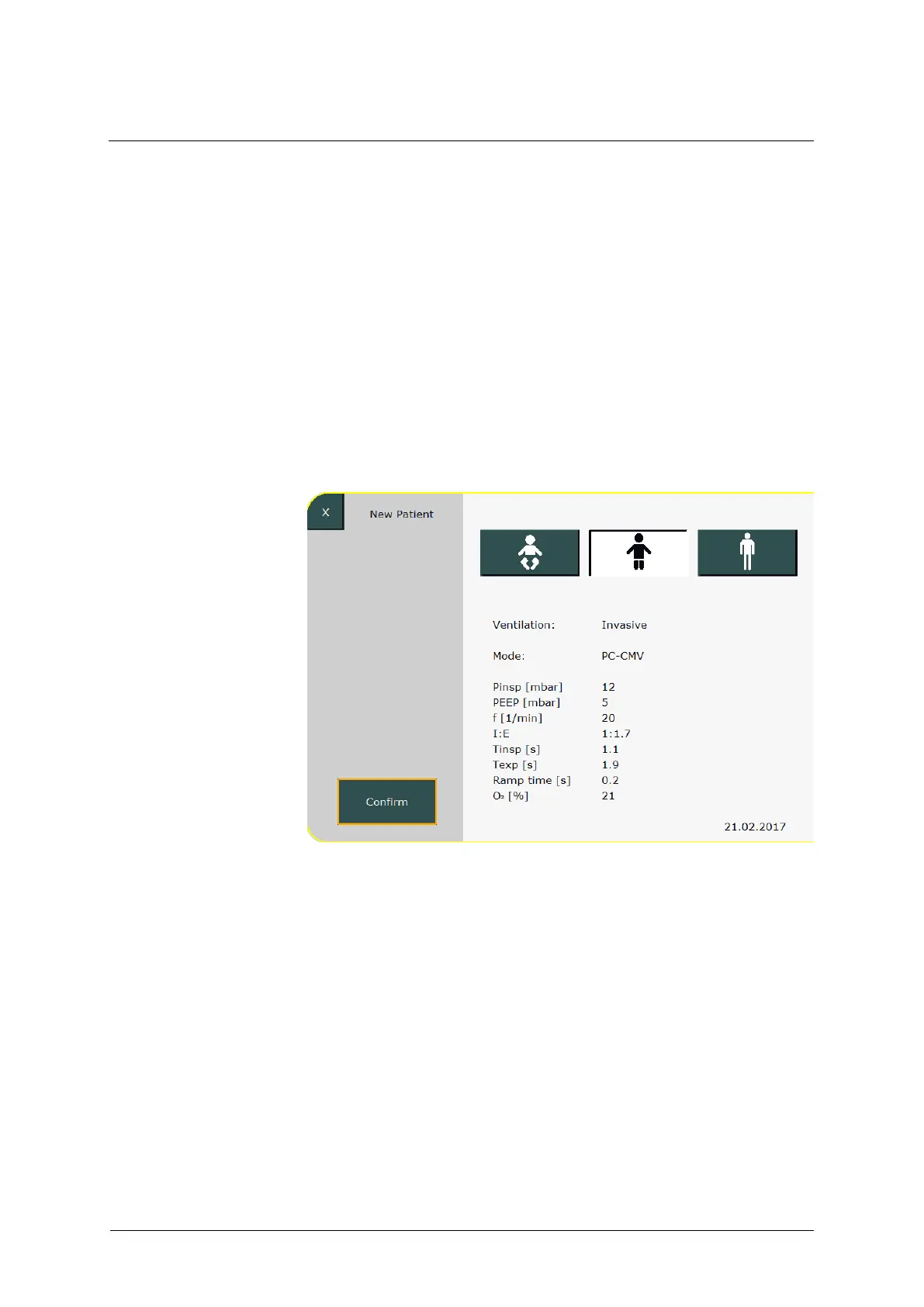
6.6 New Patient
This menu lets the user switch between settings for preterm infants and
newborns, children, and adults. This selection corresponds to the function
of the fast tracking keys (see chapter 6.5). After selecting the patient type,
the system suggests a PC-CMV ventilation with default ventilation
parameters adapted to the corresponding patient type.
Fig. 75: Selecting the patient type
Press the »Confirm« button to save the settings and return the ventilator
to the Standby screen. You can now select the »Start Ventilation« field.
Press the »Mode Settings« field to change the ventilation mode.



 To Next Page