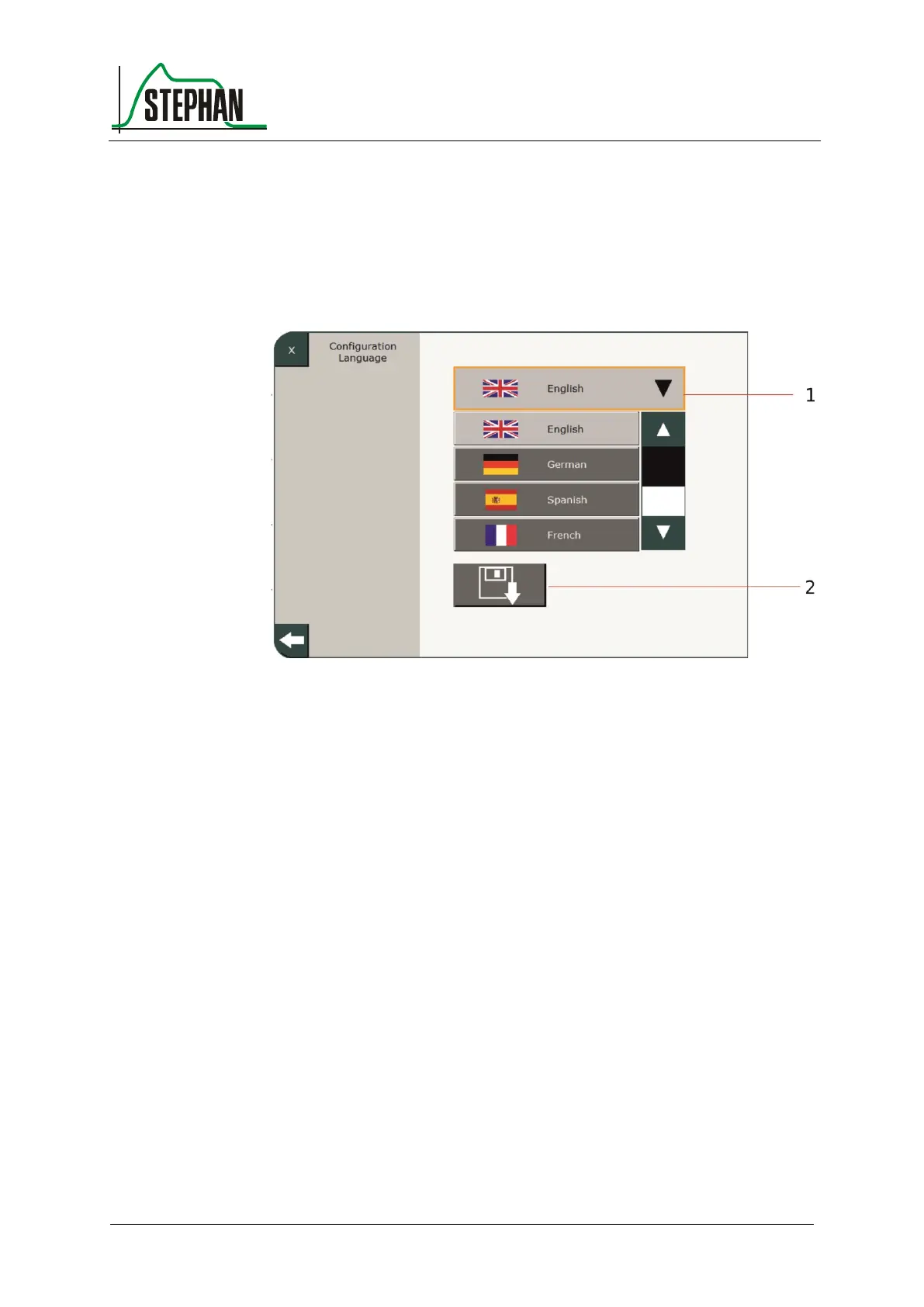
4.4.3 Language
This lets you select the system language. Use the arrow buttons to select
the desired language. Press the »Save« field to save the selection. After
saving, the EVE
TR
must be restarted for the language change to take
effect.
Fig. 63: Setting the system language
4.4.4 Touchscreen calibration
This sub-menu lets you calibrate the touchscreen by pressing the
corresponding field.
4.4.5 Factory Settings
This sub-menu lets you reset the EVE
TR
to factory settings by pressing
the corresponding field followed by a restart.
4.4.6 Service Software
Pressing the Start button will start the service software from the SD card.



 To Next Page