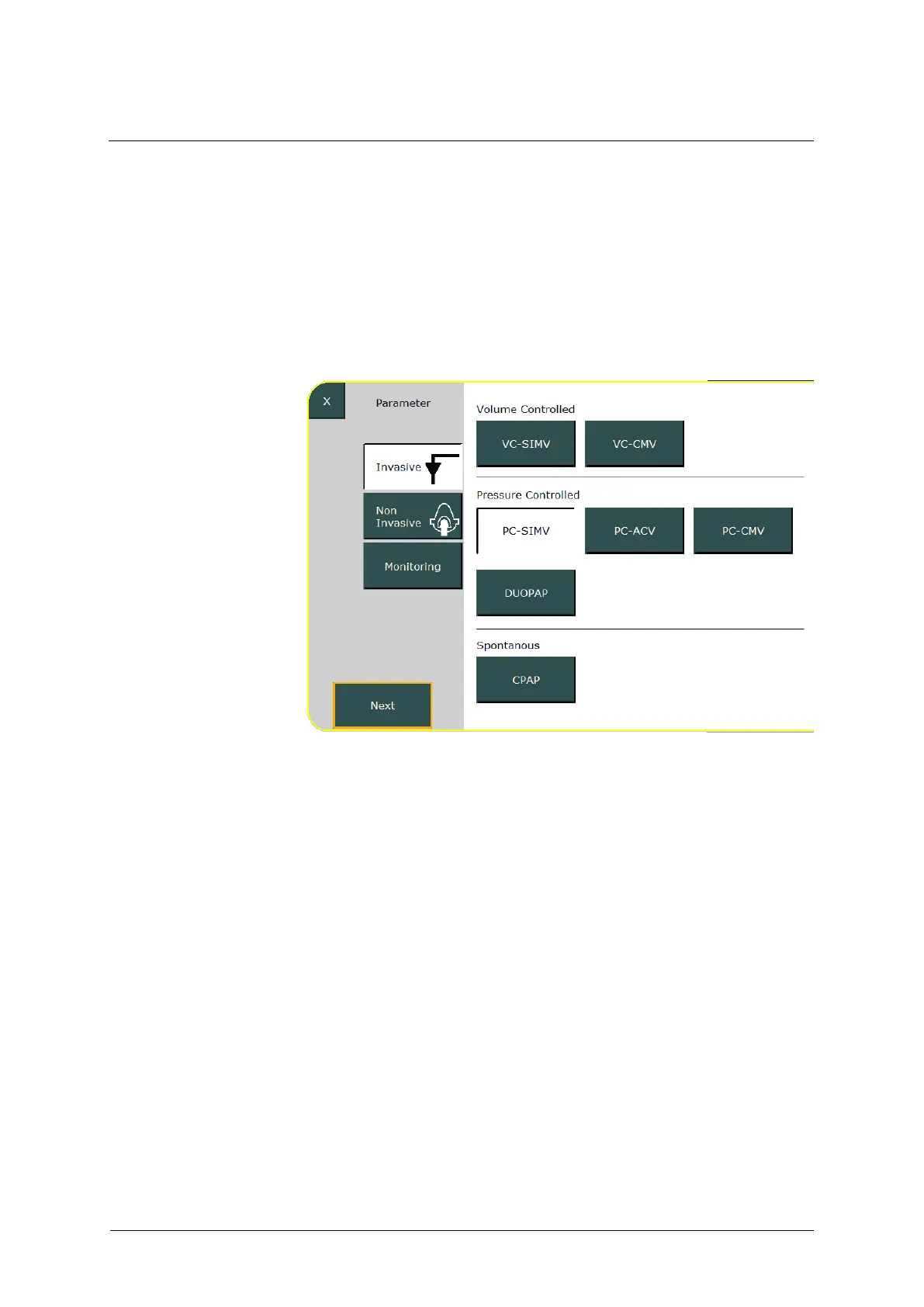
6.8.2 Selecting the ventilation mode
This example uses invasive PC-SIMV to describe the selection of the
ventilation mode. Proceed as follows:
Press the »Invasive« field in the menu. All available ventilation
modes are displayed.
Select »PC-SIMV« and press the »Next« field.
Fig. 79: Selecting the ventilation mode



 To Next Page