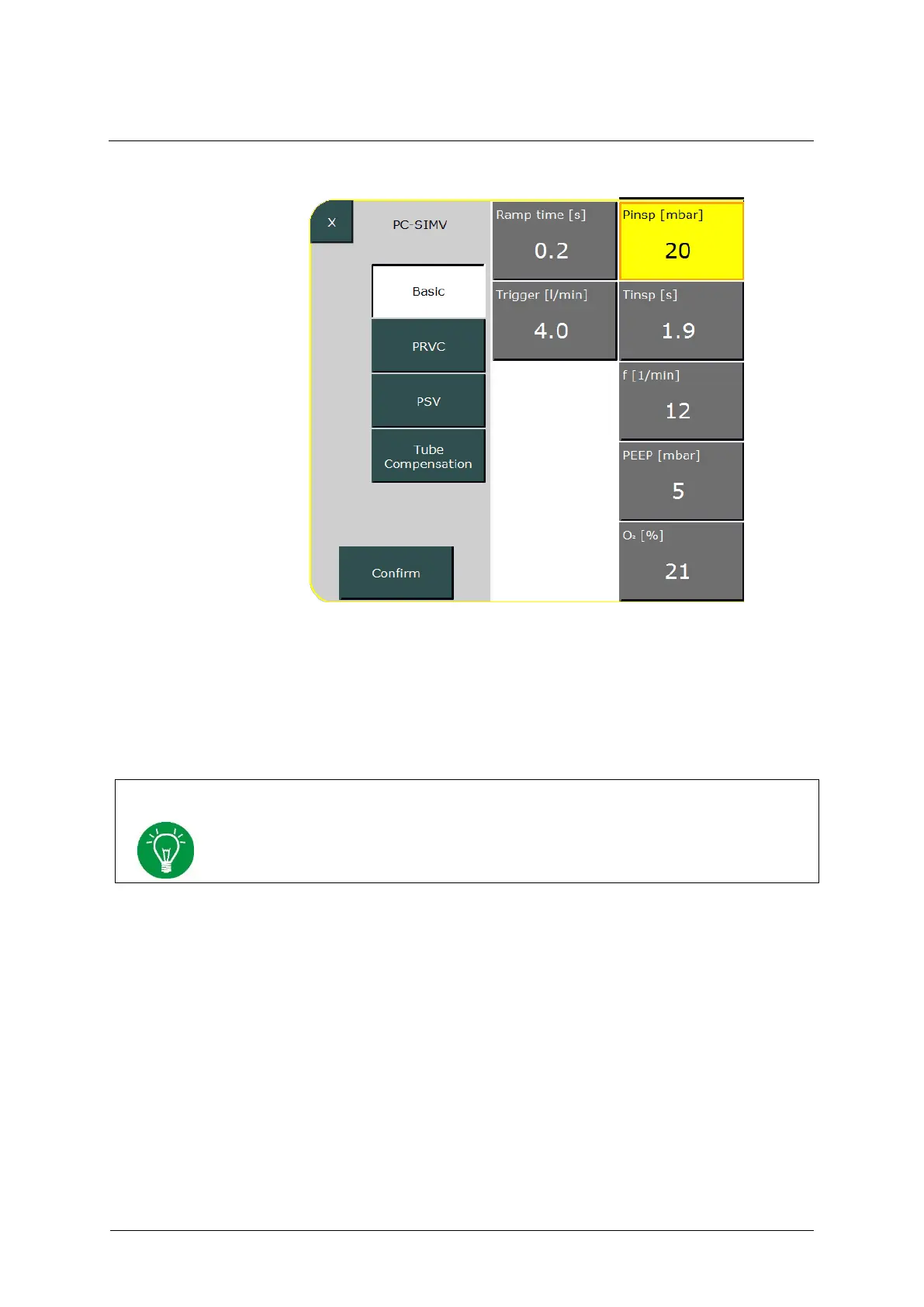
Fig. 81: Setting parameters
Press the »Confirm« button to save the settings and return the ventilator
to the "Standby" menu. Select »Continue Ventilation« to activate the
ventilation.
See chapter 7 for a detailed description of all the ventilation modes and configurable
ventilation parameter settings provided by the EVE
TR
.
6.9 Ending ventilation
To end the current ventilation process and switch to Standby mode, press
and hold the »On/Off/Standby« button for 3 s (see chapter 6.2). Pressing
the button for another 3 s turns the ventilator off.



 To Next Page