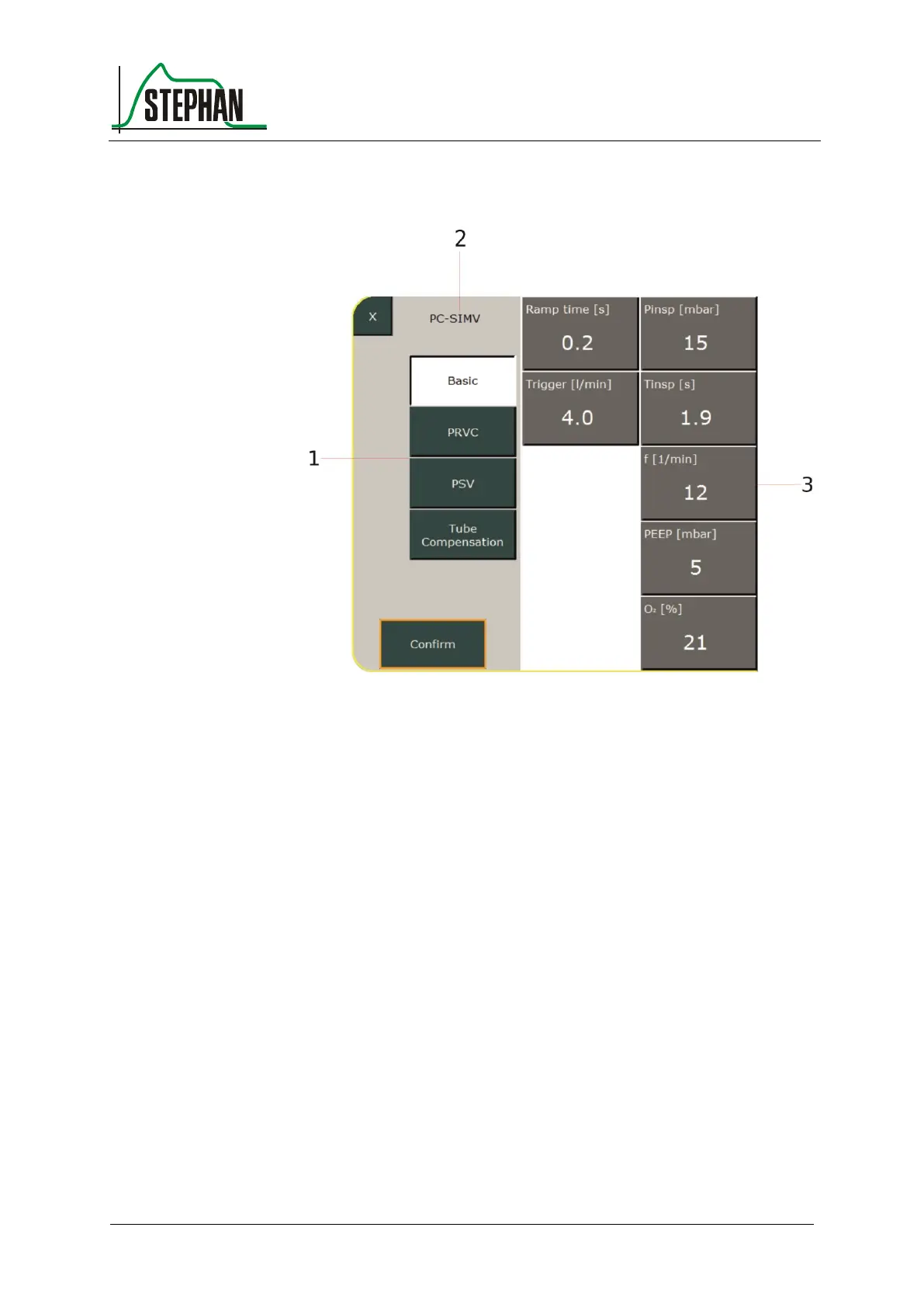
The configuration menu for PC-SIMV opens.
Fig. 80: PC-SIMV configuration menu
1 Additional functions for the
selected ventilation mode
3 Configurable ventilation
parameters
2 Current ventilation mode
Possible additional options for PC-SIMV (here PRVC and PSV) and tube
compensation are listed on the left side. The relevant configurable
ventilation parameters are listed on the right side. After the user selects
the desired PC-SIMV option, the corresponding ventilation parameters
are displayed and can be adapted to the patient's needs.
Select a parameter. The parameter turns yellow. The value can now be
changed using the control knob. Press the control knob or the »Confirm«
field to complete your entry. Proceed analogously to configure the other
ventilation parameters.



 To Next Page