3 Design and functional description
3.2.5 Ventilation mode display
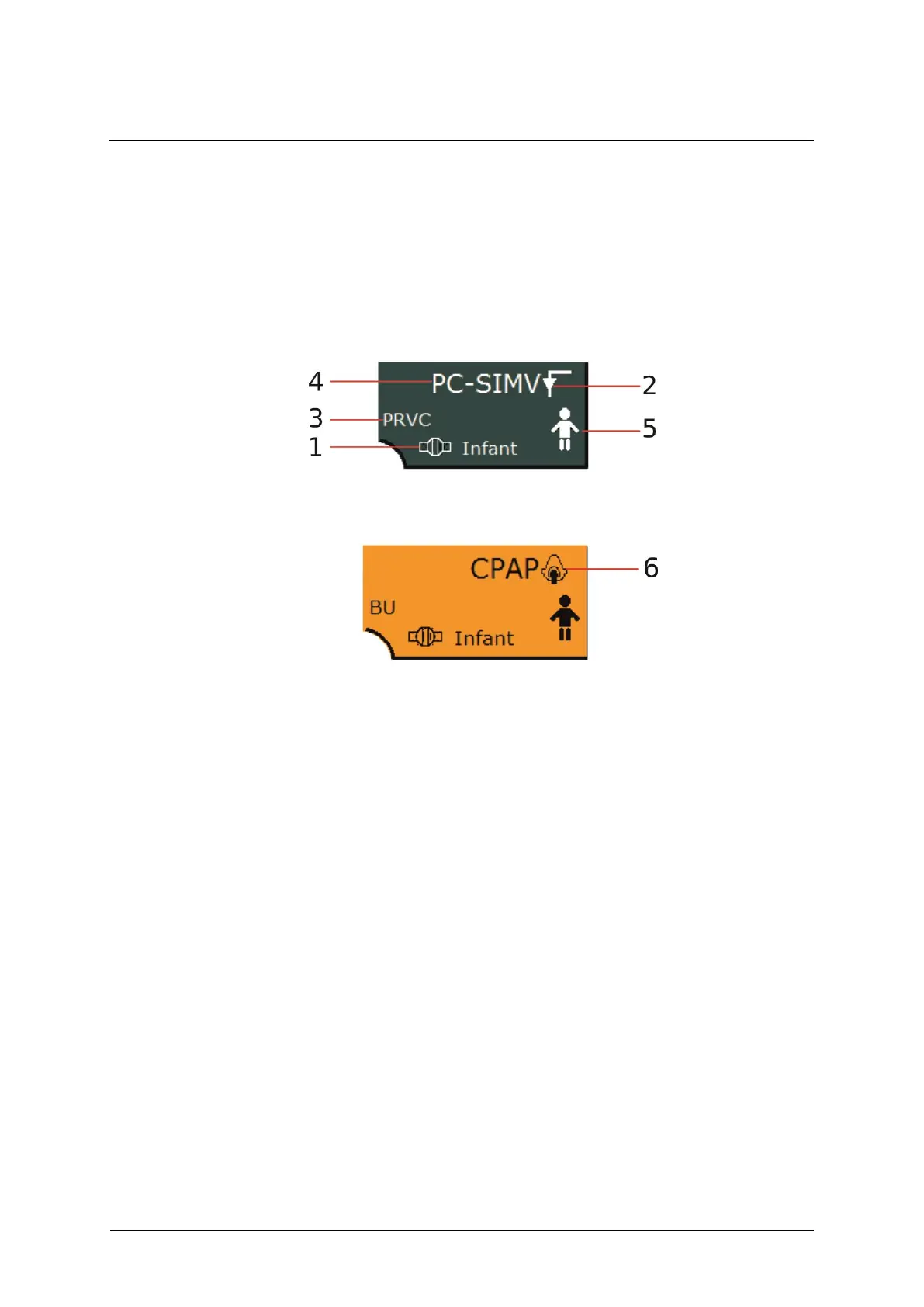
This display indicates the current ventilation mode, the active additional
functions, the patient type and the flow sensor type. Selecting a non-
invasive ventilation mode causes the display to turn orange. In addition,
the icon for non-invasive ventilation appears.
Fig. 26: Invasive ventilation mode
Fig. 27: Non-invasive ventilation
2 Icon for invasive ventilation
3 Additional function for
ventilation mode
6 Icon for non-invasive
ventilation
Selecting this field opens a ventilation menu (see chapter 6.8) where you
can adjust the settings to the current ventilation scenario.



 To Next Page