3 Design and functional description
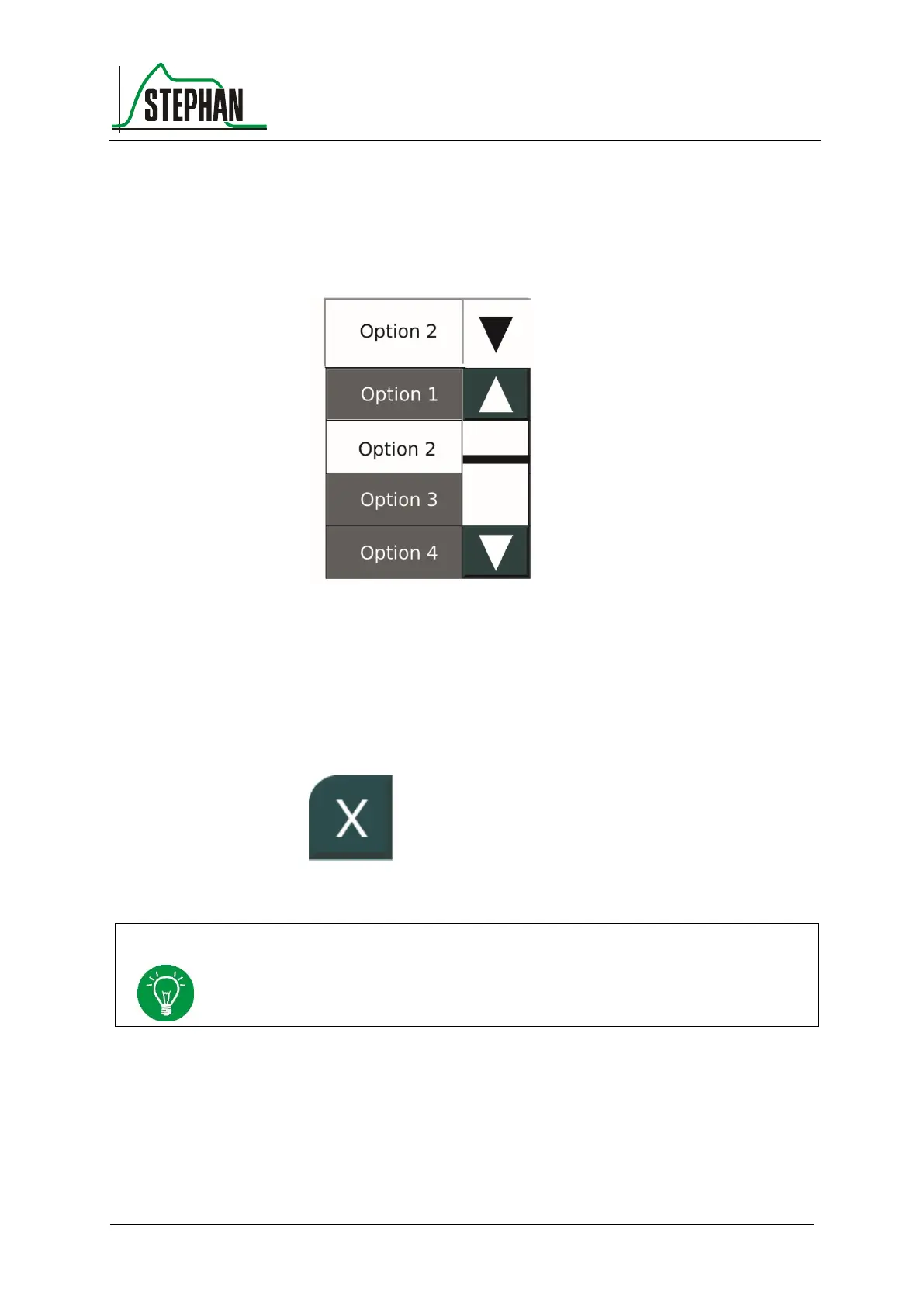
Pressing the multiple drop-down box opens multiple options below the
box. In addition, a navigation area opens on the right. Use the arrow
buttons to navigate the menu. The bar indicates the position within the
menu. Use the control knob or touchscreen to make a selection.
Fig. 12: Multiple drop-down box
Select the X field to close a menu window. This field is always located at
the top left corner of the open menu. If a parameter is selected and
modified, but not yet confirmed when pressing this field, the action is
canceled. The change is discarded.
Fig. 13: "Close" field
Except for the menu for setting the ventilation parameters (see chapter 3.2.3.6), a
menu can also be closed by selecting any other menu or a field on the touchscreen.



 To Next Page