3 Design and functional description
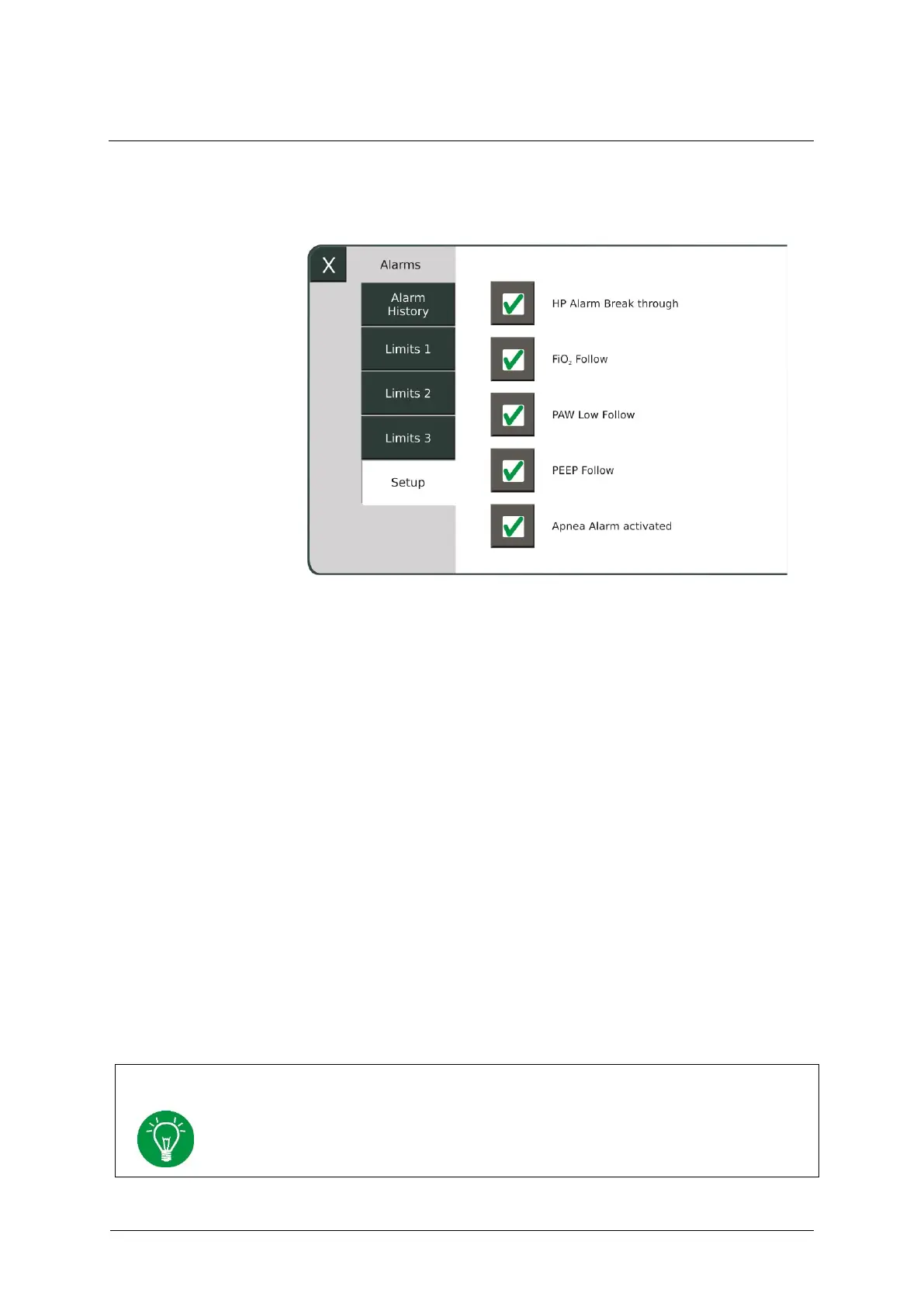
You configure certain alarm settings in this menu.
Fig. 20: Alarms/Setup sub-menu
If the "HP Alarm Break through" option is activated, an acoustic
alarming of all HP alarms occurs even if acoustic alarm suppression is
switched on.
If you activate the "PAW Low Follow" option, the lower PAW alarm
limit is automatically updated. However, it can also be manually set. If
you deactivate this function, it is only possible to make the setting
manually.
If you activate the "FiO
2
Follow" option, the FiO
2
alarm limits are
automatically updated. However, they can also be manually set. If you
deactivate this function, it is only possible to make the setting manually.
If the "PEEP Follow" option is activated, the PEEP alarm limits are
automatically updated. You can also set them manually. If you deactivate
this function, it is only possible to make the setting manually.
The settings are automatically saved when shutting down the device and are retained
when restarting the device. When the mainboard software is updated, all settings in
the menu are reset and may need to be manually reactivated.



 To Next Page