The information contained in this document is confidential, and only for the information of the intended recipient and may not be published or redistributed without the prior written consent of Summa NV.
Summa nv Tel +32 59 27 00 11 Fax +32 59 27 00 63 Email support@summa.com Website www.summa.com Page 12 of 76
this as the reference position. Then the cutter head moves to the left to search the first
pinch roller position. In case the pinch roller sensor does not work, then the carriage moves
slowly to the left to scan for the first pinch roller for about 10 cm, and then the error
message is displayed. Functionality can be checked from the “Monitor” display, see
Service mode and Cam sensor.
• Check for strong light interfering with the pinch roller sensor, e.g. when the cutter is near a
window and direct sunlight is on the machine.
• Check for dirt on the pinch roller sensor, use compressed air to remove dust.
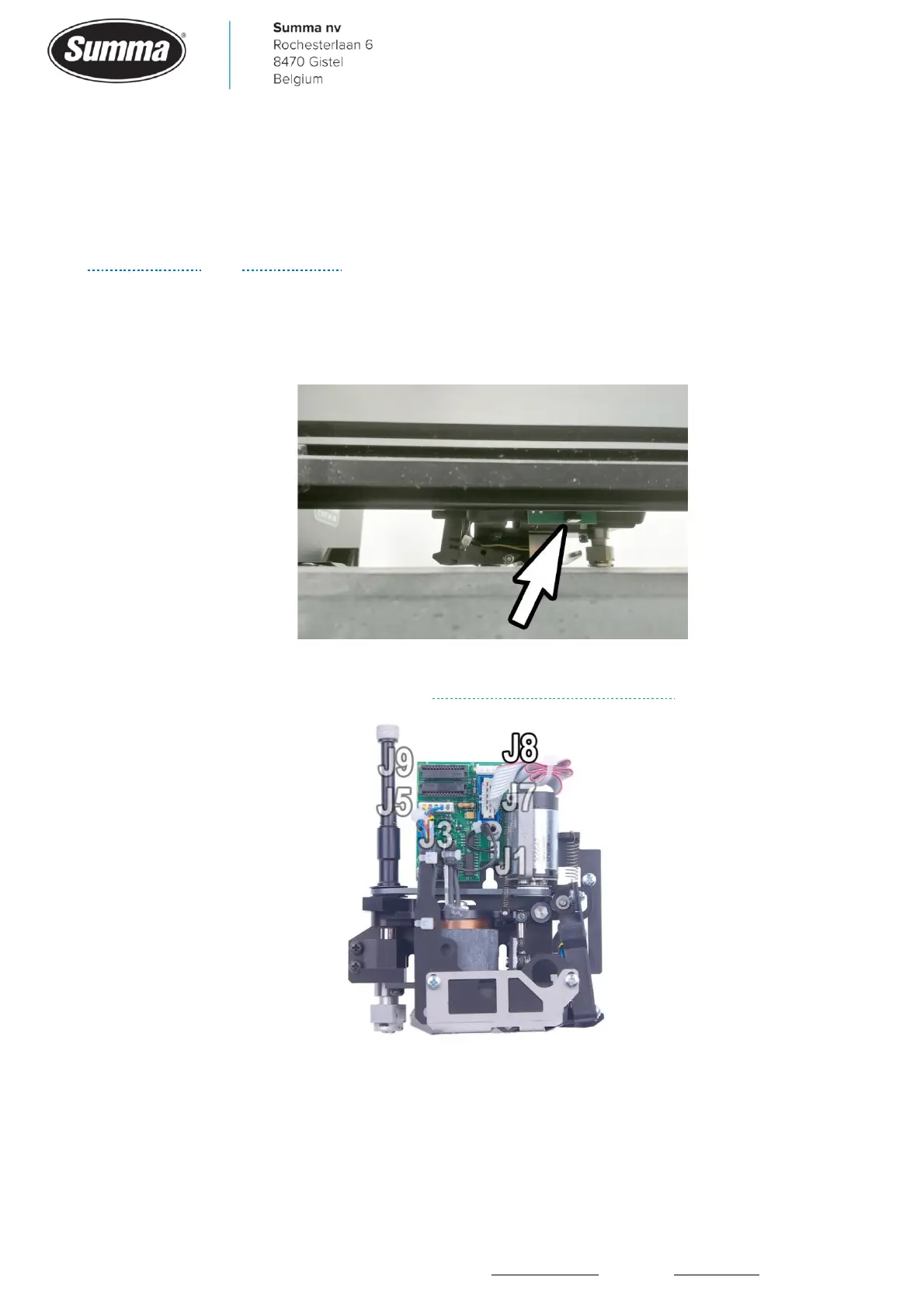
• The pinch roller sensor may be defective, or the connector (J8) for the sensor came loose
from the socket, or has a bad contact. Replace the pinch roller sensor.









 To Next Page