STEP EXCITE: Service & maintenance manual - rev. 1.4
Page 9.14
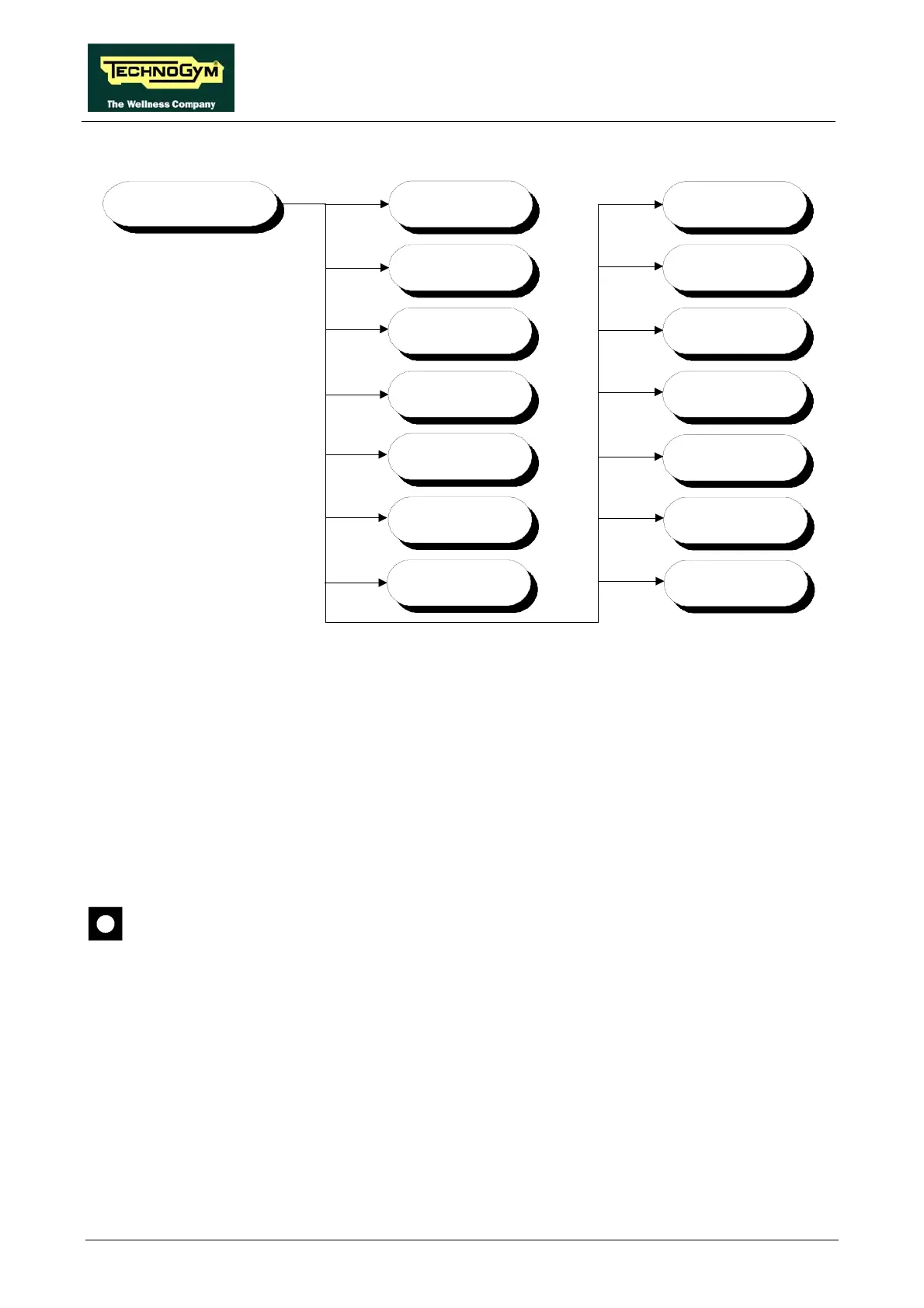
• Configuration
TECHNICAL
CONFIGURATION
OPERATING
DATA
LUB.
DFLOORS
TIME AND
DATE
LOW KIT
PARAM.
LAST LUBR
BOOT
VERSION
ERRORS LOG N.LUBR
STANDARD
SETTINGS
LOW KIT
MENU
TV STANDARD
(
solo Wellness TV)
HIGH KIT
VERSION
SCREEN
SAVER
WAITING TIME
To scroll through the list of parameters, press the + or – effort level keys to display the next or the
preceding item.
To modify a parameter value, it is necessary to press the ENTER key: when the current parameter
value starts to blink, press the CLEAR key to erase the current value and then use the number keys
to enter the desired new value. Press ENTER to save the changes made.
To cancel the operation, press the CLEAR key for a few seconds.
The various parameters are described below.
9.3.1. TIME AND DATE
This function is not available for ARM display board models.
This function sets the internal clock of the lower assembly. To access this menu, when the LED
display shows:
TIME AND DATE
press ENTER. This function is structured as follows:














 To Next Page