STEP EXCITE: Service & maintenance manual - rev. 1.4
Page 9.32
9.7. TOUCH SCREEN CALIBRATION
To access the calibration procedure, press the 0369 keys when the machine is in stand by, the keys
must be pressed one after the other. The following message appears on the LCD display:
ENTER PASSWORD:
To access the procedure, type in the password 2409 and press ENTER to confirm. At this point the
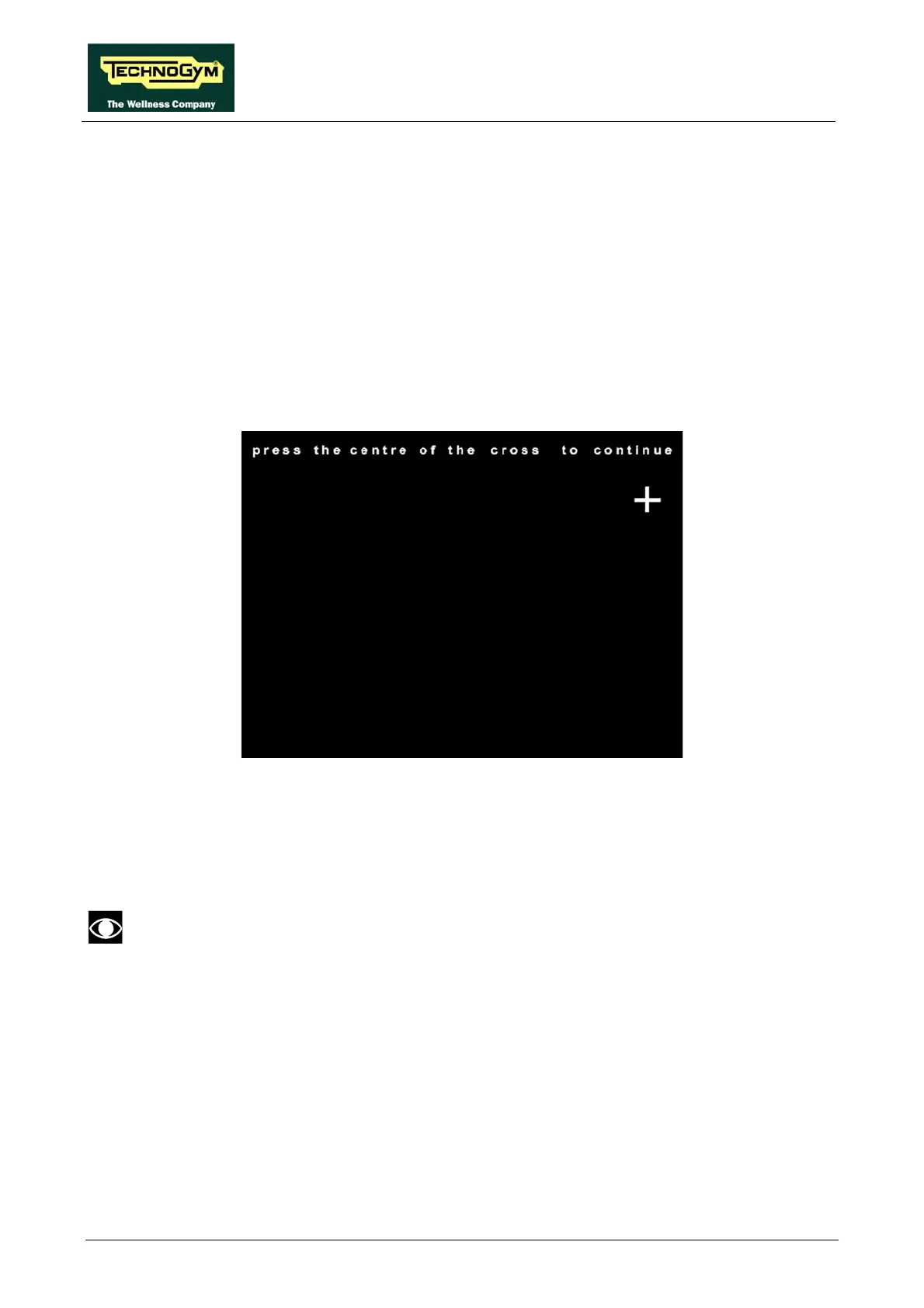
machine display will appear as follows, with the message “To calibrate tap the 3 crosses which
appear in sequence” scrolling once along the top, followed by the message “Tap the centre of the
cross to continue the calibration, or tap any other point to cancel and exit” until the user either
initiates the procedure or exits:
Tap the centre of the + which appears on the screen, using an object that is pointed but not sharp.
The procedure must be repeated three times, with the + appearing in three different positions.
At the end, the message “Calibration successful” will appear if the procedure was correctly
carried out, or “Calibration incomplete” if the procedure was not completed properly, after which
the machine reverts to standby mode.
During the machine power-up sequence, while the message showing the installed
software version is scrolling, pressing any point on the touch-screen for more than 6
seconds will automatically invoke the calibration procedure as soon as the software
version display finishes. Upon exiting the calibration procedure (successfully or
unsuccessfully), the machine automatically reverts to the standby state with the TV in
full screen mode.














 To Next Page