STEP EXCITE: Service & maintenance manual - rev. 1.4
Page 9.29
9.5.1.1. Procedure for manually entering radio channel frequencies
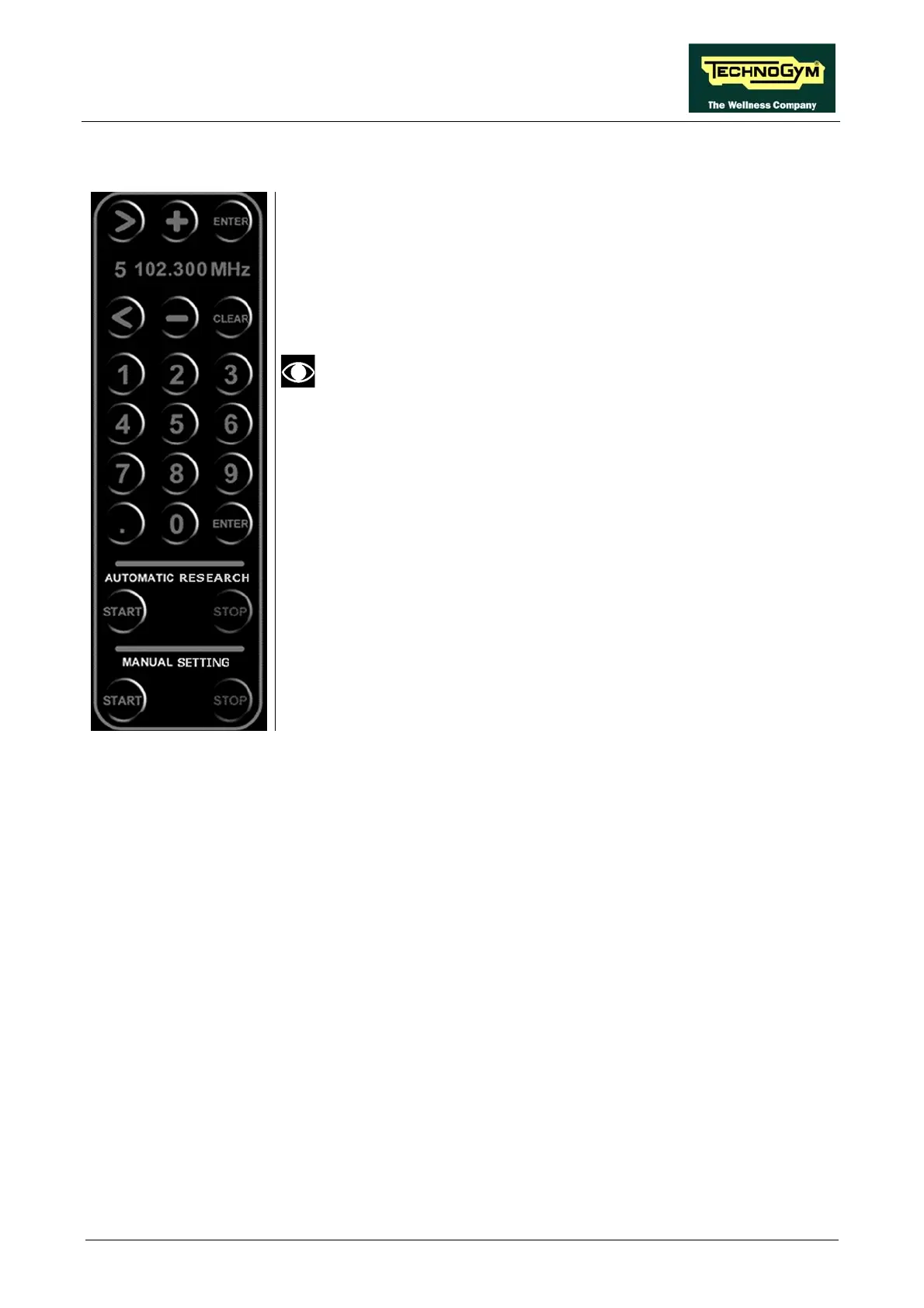
1. Press the START button underneath the "MANUAL SETTING" label.
2. Use the < and > buttons to select the number assigned to the channel
whose frequency is being entered.
3. Select the frequency of the desired radio station, entering a value
between 87.500 and 108.000 MHz, using the numeric keypad.
Frequency values expressed in KHz, that is to say without a
decimal point, our outside the range of the FM band (87.500 –
108.000 MHz), will not be accepted by the system.
4. Press:
• the CLEAR key: to erase the entered frequency value
• the ENTER key: to confirm the entered frequency value.
5. Repeat the above steps for each desired channel.
6. Before exiting the tuning menu, press the "SAVE" key. Press ENTER
to confirm, or cancel by pressing the CLEAR key.
7. Press the STOP button underneath the "MANUAL SETTING" label
to exit this tuning mode.
8. Exit with the "EXIT" key.














 To Next Page