STEP EXCITE: Service & maintenance manual - rev. 1.4
Page 9.31
9.6. TRANSFERRING THE TUNING DATA
The TV and radio channel tuning data can be transferred from one machine to the other in 2 ways.
NOTE: it is not possible to transfer data from a machine using a multistandard SW (i.e.
a machine which SW allows to watch channels of different TV standard) to a machine
using a monostandard one (i.e. a machine which SW allows to watch channels of 1
standard only).
9.6.1. USING THE TGS
On the already tuned machine:
1. Enter the configuration menu of the channels that are to be
transferred.
2. Insert the TGS key into the reader on the machine;
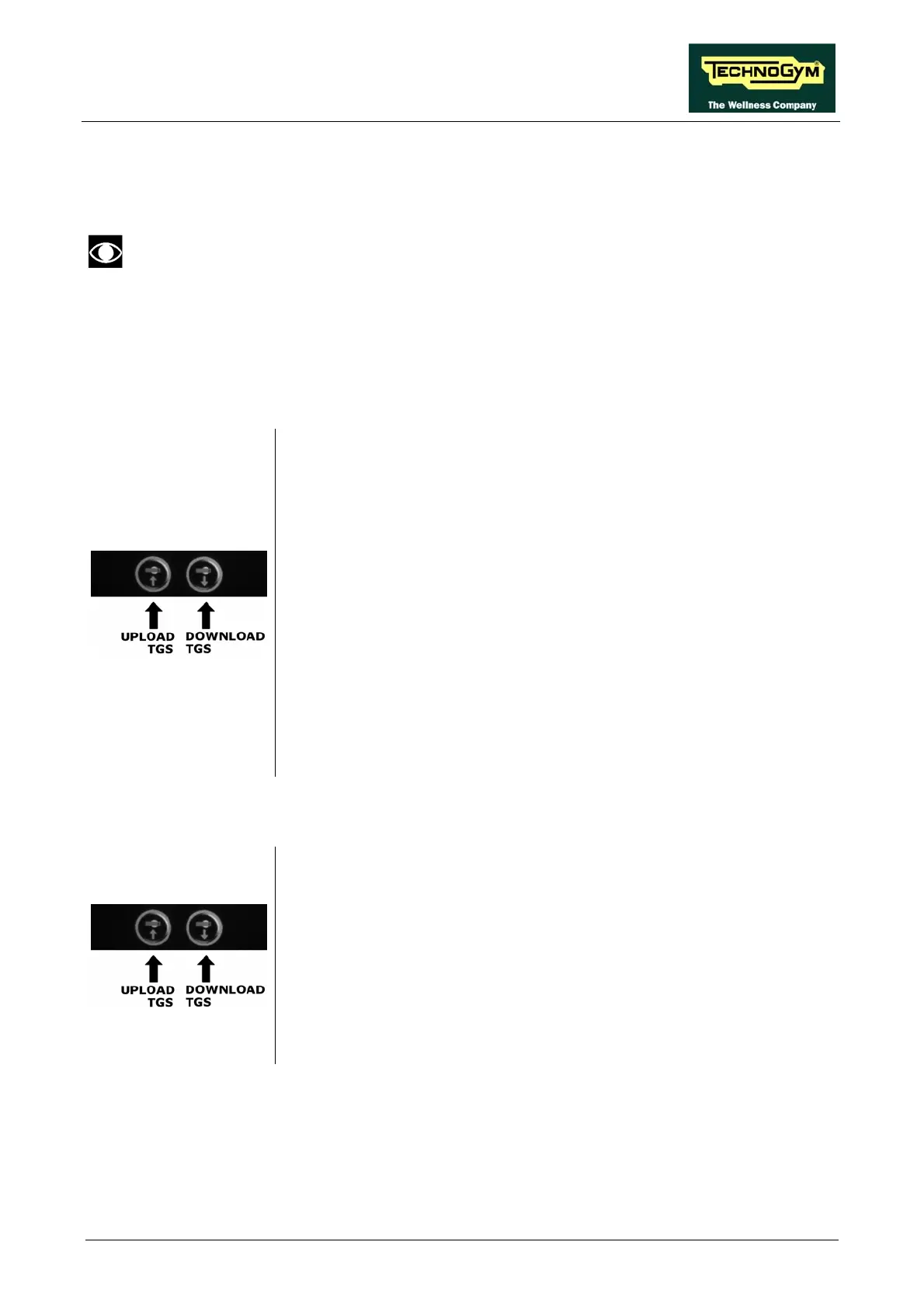
3. Press the “UPLOAD TGS” button, this will cause all the channel
configuration data to be saved to the key.
4. Exit the menu by pressing the “ESC” key.
On the machine to be tuned:
1. Enter the configuration menu of the channels that need to be tuned.
2. Insert the TGS key to which the tuning data was saved.
3. Press the “DOWNLOAD TGS” button.
4. Save the data uploaded to the machine by pressing “SAVE”.
5. Exit the menu by pressing the “ESC” key.
9.6.2. USING THE CONNECTING CABLE
1. Connect the two machines together using the cable described in
paragraph 4.3. “Cable for exchanging TV channel tuning data between
two m
achines”.
2. On both machines, enter the configuration menu of the channels that
need to be tuned.
3. Press the “WRITE TO UPLOAD TGS” button on the already tuned
machine.
4. Store the data transferred on the machine being tuned by pressing
“SAVE”.
5. Exit the menu on both machines by pressing “ESC”.














 To Next Page