STEP EXCITE: Service & maintenance manual - rev. 1.4
Page 9.23
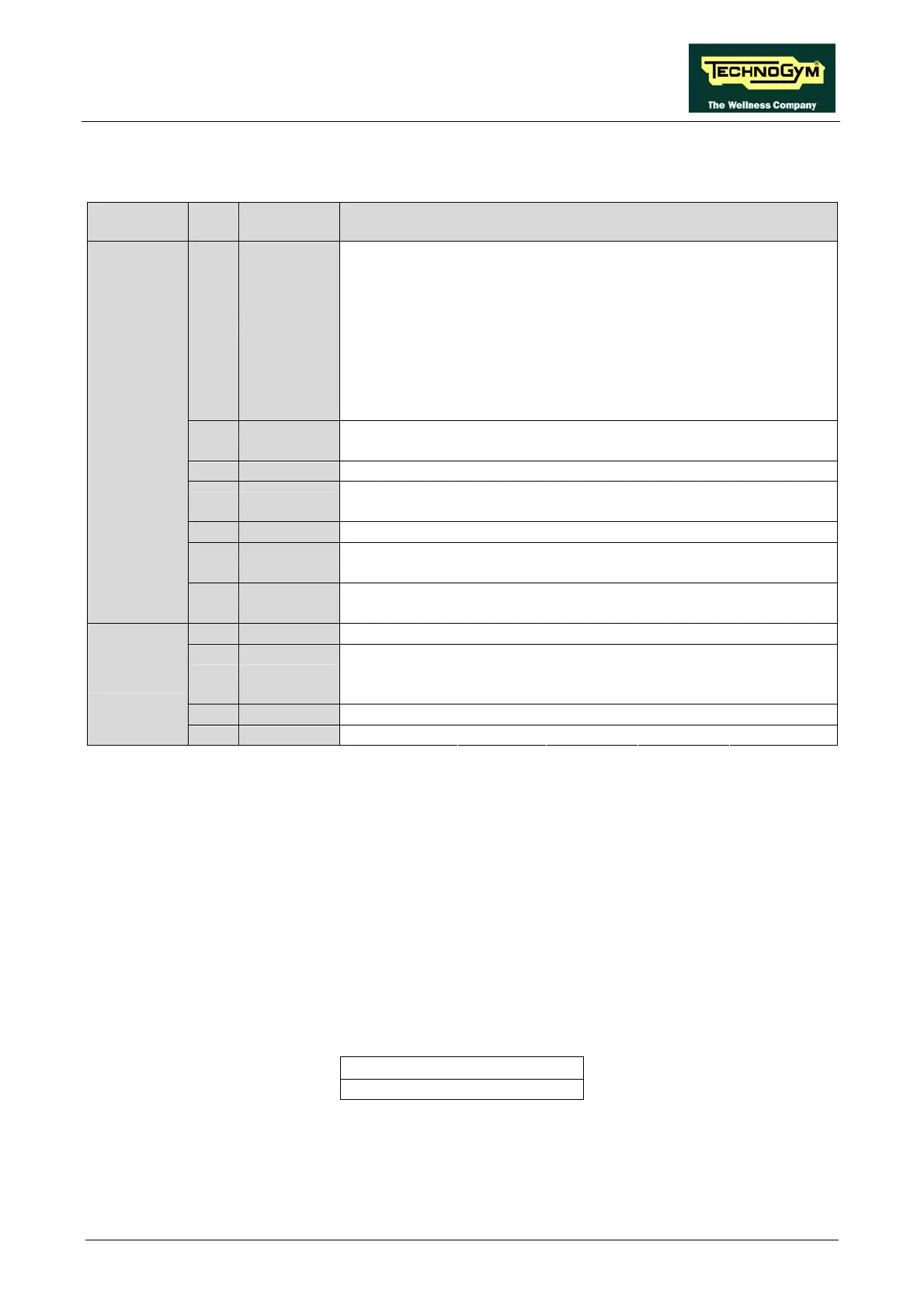
This must be selected based on the country where the machine is installed, according to the
following table.
Multistandard
Code
TG
Code
TV Standard Countries
Albania Australia Austria Bahrain Belgium
Cameroon Croatia Cyprus Czech Rep Denmark
Finland Germany Ghana Greece Hungary
India Israel Italy Jordan Kenya
Luxembourg Malaysia Malta Netherlands New Zealand
Nigeria Norway Pakistan Poland Portugal
Romania Singapore Slovakia Slovenia Spain
Sri Lanka Sweden Switzerland Thailand Turkey
1 PAL B/G
United Arab E Zambia Zimbabwe
Botswana Hong Kong Ireland South Africa Seychelles
2 PAL I
UK
5 SECAM E/L France
Bulgaria Estonia Ex URSS Latvia Lithuania
6 SECAM D/K
Poland Russia Ukraine
8 PAL D/K Czech Rep China Poland
Saudi Arabia Iran Iraq Morocco Tunisia
9 SECAM B/G
Syria
French Guyana Guadeloupe Madagascar Martinique New Caledonia
E
A SECAM K1
Senegal Togo Zaire
3 PAL N Argentina Paraguay Uruguay
Bahamas Bermuda Canada Chile Costa Rica
Guatemala Japan Korea Peru Philippines
4 NTSC
Taiwan Trinidad USA Venezuela
7 NTSC M44 Mexico
U
B PAL M Brazil
9.3.13. SCREEN SAVER
This function allows the user to configure the screen saver function for either a “Message” or
“Darkness”; choosing the former will activate a scrolling message in full-screen TV mode, while
the latter will display a completely dark screen.
To change the selection when the LED matrix shows the current setting:
SCREEN SAVER: XXX
Press the +/- GOAL keys to select the desired function setting from the options available. Press
ENTER to confirm the choice, use the + or – speed keys to move to the next or previous parameter.
The alternatives are:
MESSAGE <default>
DARKNESS














 To Next Page