STEP EXCITE: Service & maintenance manual - rev. 1.4
Page 9.19
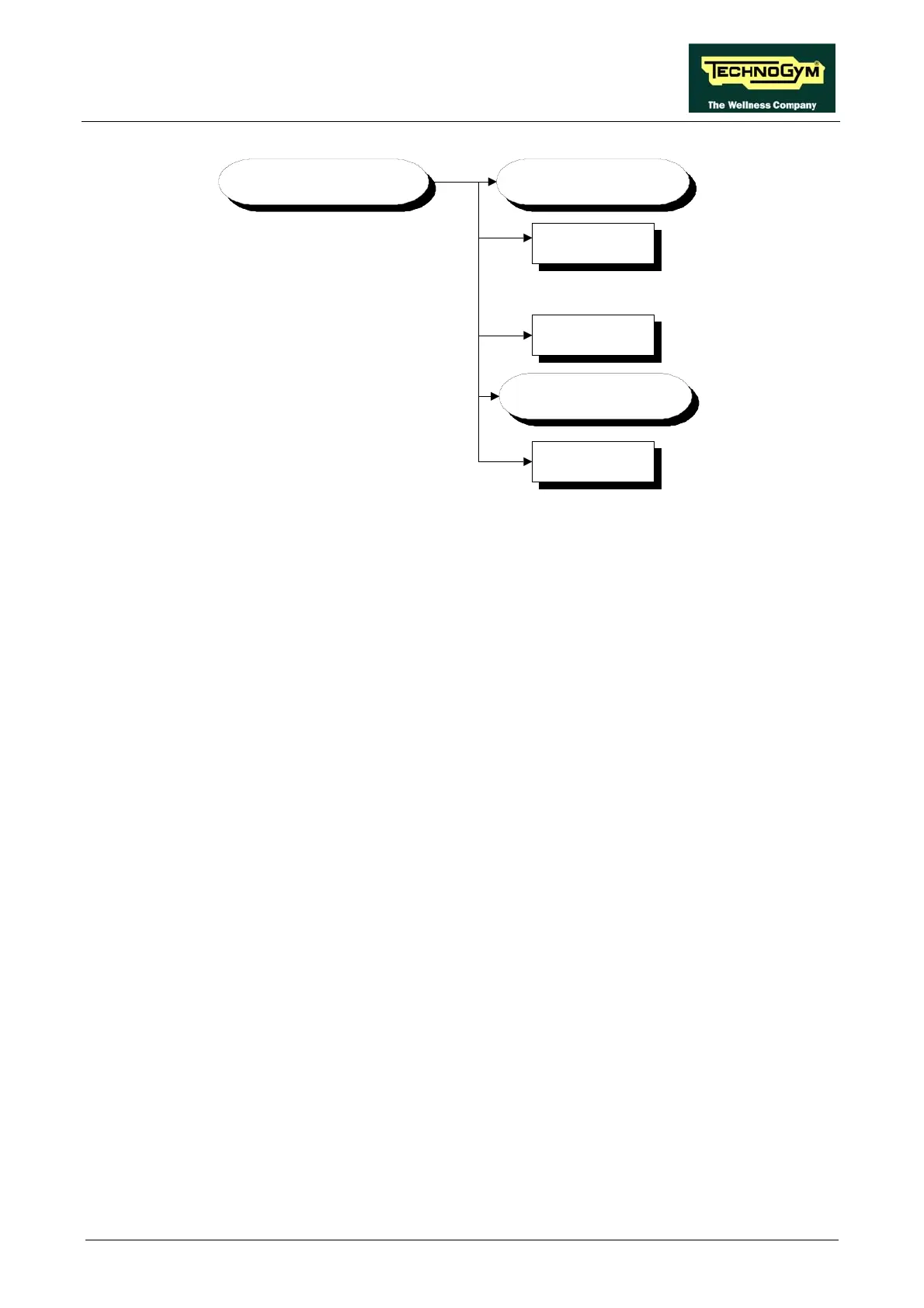
ERRORS LOG
Error 10
Error 1
RESET ERRORS ?
READ FROM
LOW KIT ?
.......................
COM.Fault
In addition to the error history log, this function also includes the 3 sub-functions described below:
9.3.4.1. Read from low kit
To read the errors stored in low kit memory and view them on the display, scroll using the +/- keys
until the display shows:
READ FROM LOW KIT ?
press ENTER to read the errors from the low kit, and return to the upper menu level by pressing
CLEAR for a few seconds.
9.3.4.2. Reset Errors
To clear the error history in both the low and high kit m
emory, scroll using the +/- keys until the
display shows:
RESET ERRORS ?
press ENTER to clear the error history logs, and return to the upper menu level by pressing
CLEAR for a few seconds.
9.3.4.3. COM.Fault
This is a counter that display the num
ber of errors in serial communication between the upper and
the lower kit. This counter increase each time a communication fault is detected. Scroll using the
+/- keys until the display shows:
COM.FAULT X
To reset it press ENTER, the LED display shows:
RESET COM.FAULT?
press ENTER to reset and return to the upper menu level by pressing CLEAR for a few seconds.














 To Next Page