109
17. SETTING-OUT ARC
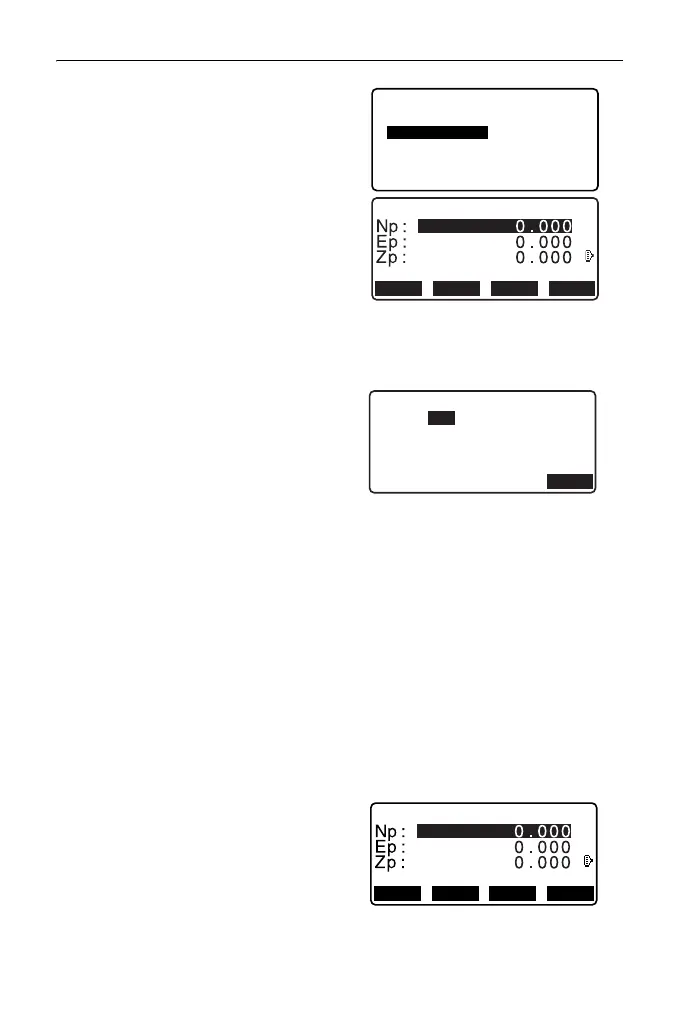
3. Select “Define arc” in <Set-out
arc>.
• When [LOAD] is pressed,
registered coordinates can be
recalled and used.
"13.1 Entering Instrument
Station Data and Azimuth
Angle PROCEDURE Reading
in Registered Coordinate
Data"
4. Enter the arc From point data and
press [OK].
5. Press {}/{} to select
coordinates then press [OK].
To : Enter arc To point.
To/Center : Enter arc To point
and Center point.
To/Intersect : Enter arc To point
and Intersect point
(intersection of the
tangents).
Center : Enter arc Center
point.
Intersect : Enter arc Intersect
point.
Center/Intersect: Enter arc Center
point and Intersect
point (intersection
of the tangents).
6. Enter the coordinates specified in
step 5.
7. Press [OK] to proceed to arc
parameter input.
From Pt.
C
RECLOAD MEAS OK
Set-out arc
Set-out arc
Stn.Orien.
Define arc



 To Next Page