19. TOPOGRAPHY OBSERVATION
128
4. End topography observation
measurement.
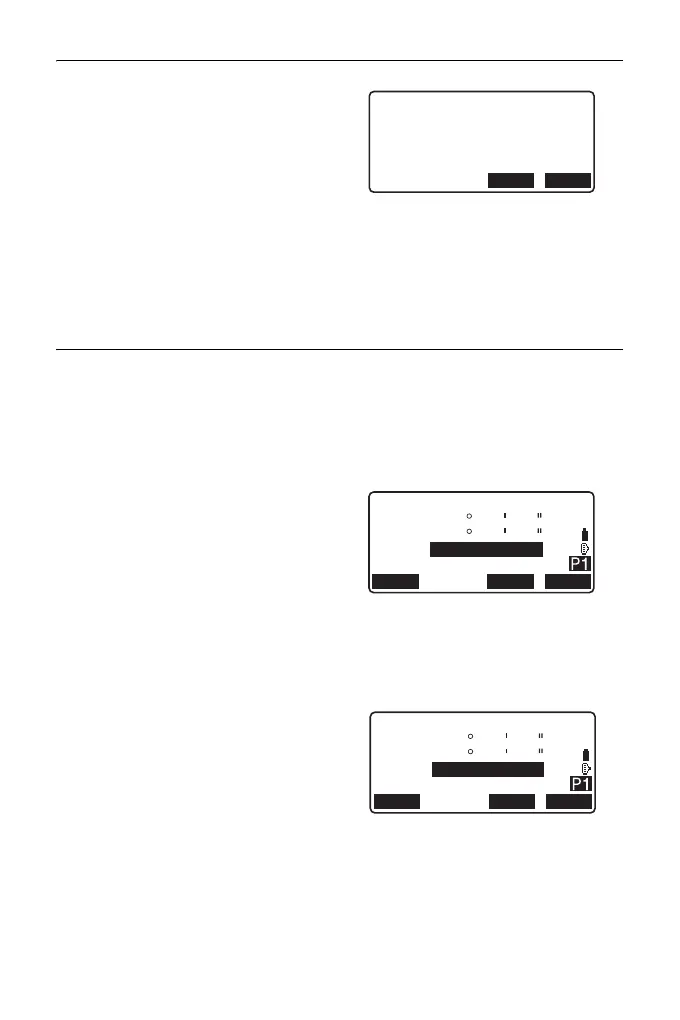
After completing the observation,
pressing {ESC} displays the
completion confirmation message.
Press [YES] to record the
topography observation.
• When the collimation point is
registered, this message does
not appear.
PROCEDURE Topography RL Observation
1. Perform observation setting
following procedures 1~6 in the
"16.1 Observation Setting".
Set "YES" for "RL observation" in
the observation setting.
2. Measure the target point in the R
direction.
"R" appears next to the
"Topography observation
(Topography)"
“PROCEDURE Topography
Observation” step 2
3. Record the measured data.
“PROCEDURE Topography
Observation” step 3
4. Measure the target point in the L
direction.
"L" appears next to the
"Topography observation
(Topography)." Record the
measured data after the
observation is completed.
Steps 2 to 3
5. End the topography observation.
“PROCEDURE Topography
Observation” step 4
Topography
D=2R
ZA
HA-R
HR
PT
0.000m
AUTO0011
89
0
59
10
59
00
EDM MEAS
ANGLE
Topography
D=2L
ZA
HA-R
HR
PT
0.000m
AUTO0011
270
180
00
10
00
00
EDM MEAS
ANGLE



 To Next Page