145
21. MISSING LINE MEASUREMENT
5. Input coordinates for the 2nd
target and press [OK].
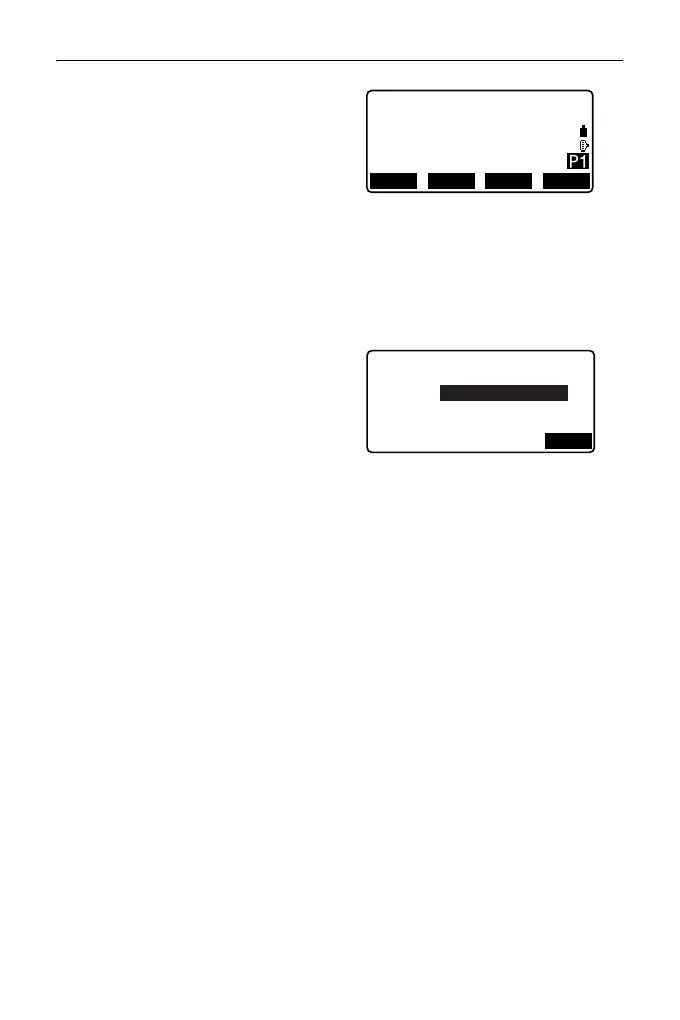
The following values are
displayed:
SD: Slope distance of the starting
position and 2nd target.
HD: Horizontal distance of the
starting position and 2nd
position.
VD: Height difference of the
starting position and 2nd
target.
• Target height of the starting
position and 2nd target can be
input.
Press [Tgt.h] on the second
page.
Input the target heights and
press [OK].
•Press [COORD] to re-input
coordinates for the first or 2nd
targets.
• Pressing [REC] displays the
result recording screen for
missing line measurement.
Pressing [OK] records the
measured results.
• When [S/%] is pressed, the
distance between two points (S)
is displayed as the gradient
between two points.
•Press [MEAS] to observe the
starting position.
"PROCEDURE Measuring
using observation"
MLM
SD
HD
VD
20.757m
27.345m
1.012m
RECMOVE MEAS MLM
Target height
PT2
OK
1.500m
PT1
1.500m



 To Next Page