21. MISSING LINE MEASUREMENT
144
• When [MOVE] is pressed, the
last target measured becomes
the new starting position to
perform missing line
measurement of the next target.
"21.2 Changing the Starting
Point"
5. Press {ESC} to end missing line
measurement.
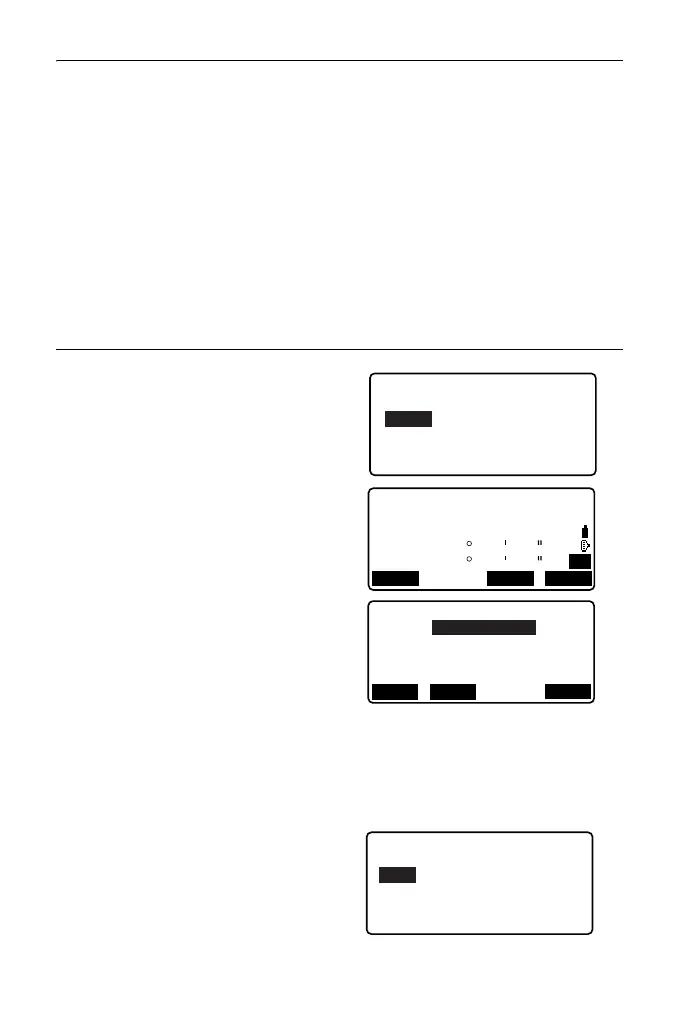
PROCEDURE Calculating from input coordinates
1. In the third page of OBS mode
screen, press [MLM], then select
"MLM".
2. Press [COORD] on the second
page.
3. Input coordinates for the 1st target
and press [OK].
• When you wish to read in and set
coordinate data from memory,
press [LOAD].
"13.1 Entering Instrument
Station Data and Azimuth
Angle PROCEDURE
Reading in Registered
Coordinate Data"
4. Select "PT2" and press {ENT} to
proceed to 2nd target input.
MLM
Set PT1
SD
ZA
HA-R
80
140
42
42
15
15
P2
COORD
S/%
T
g
t.h
N
E
20.000
30.000
40.000
Z
OK
PT1
RECLOAD



 To Next Page