143
21. MISSING LINE MEASUREMENT
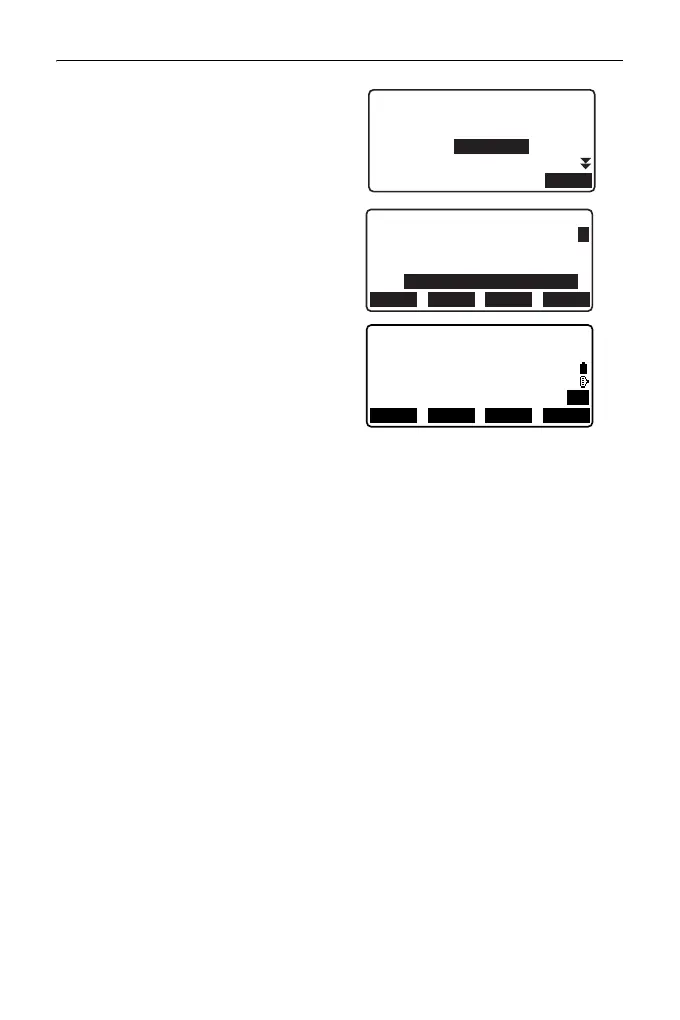
• Pressing [REC] displays the
screen shown in right. Pressing
[OK] records the measured
results for the second point.
Press [OK] to record missing
line measurement results and
return to the results screen.
Press {ESC} to continue
measurement without saving
2nd target or missing line
measurement results.
• Missing line measurement results
cannot be recorded when point
names for 1st and/or 2nd target are
null. Always input point names for
both targets.
4. Sight the next target and press
[MLM] to begin observation.
Slope distance, horizontal
distance and height difference
between multiple points and the
starting position can be measured
this way.
• When [S/%] is pressed, the
distance between two points (S)
is displayed as the gradient
between two points.
•Press [MEAS] to re-observe the
starting position. Sight the
starting position and press
[MEAS].
N
E
10.000
20.000
30.000
1.500 m
Z
HR
PT
OK
1010
HD
VD
27.345m
1.012m
2
3
PT1
PT2
CD
OK
1010
LISTADD SRCH
A
MLM
SD
HD
VD
20.757m
27.345m
1.012m
P1
RECMOVE MEAS MLM



 To Next Page