24. TRAVERSE ADJUSTMENT
158
• To enter azimuth angle without
entering backsight station
coordinates, press {} to move
the cursor down to "Azmth" then
enter an angle value.
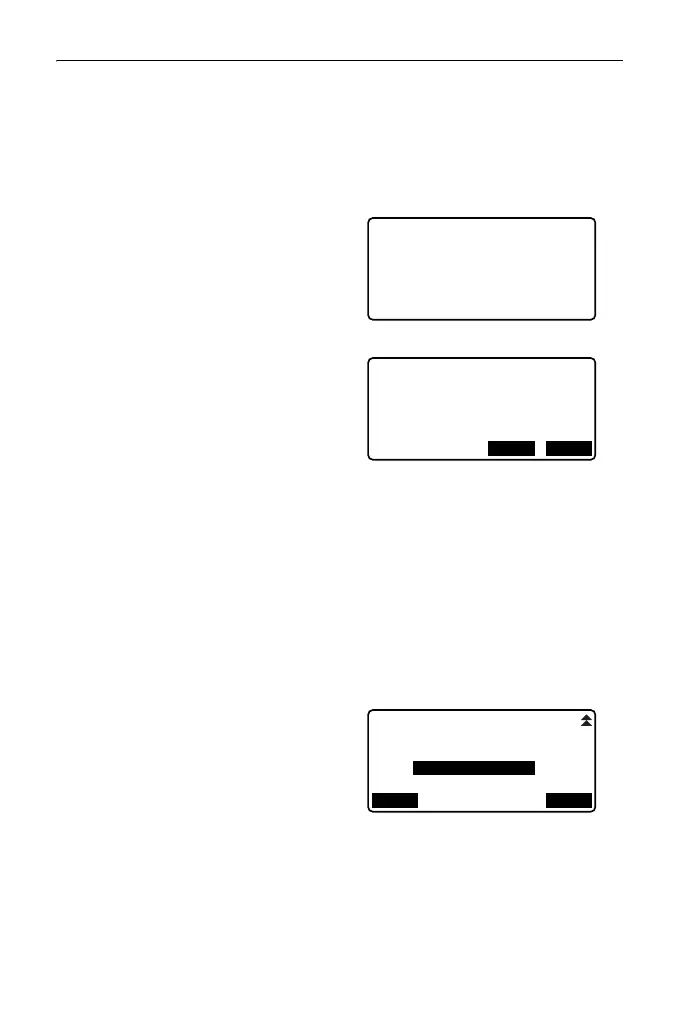
5. When [OK] is pressed in the
screen in step 4, the ES will
search for a traverse route. The
points from step 1 will be
displayed in the order in which
they were observed.
• This search can be stopped by
pressing {ESC}. If {ESC} is
pressed, a route can be
computed using only the points
found prior to the search being
stopped.
• When a traverse point with
recorded known point
coordinates is found, or there
are multiple foresight stations for
a point, the automatic route
search will stop. Press [LIST]
and select which foresight
station to use as the next point.
" Automatic route search"
6. Press [OK] to confirm the traverse
route.
Exit Searching
confirm?
YES
NO
006:T-0006
007:T-0007
008:T-0001
009:
OK
LIST



 To Next Page