175
25. ROUTE SURVEYING
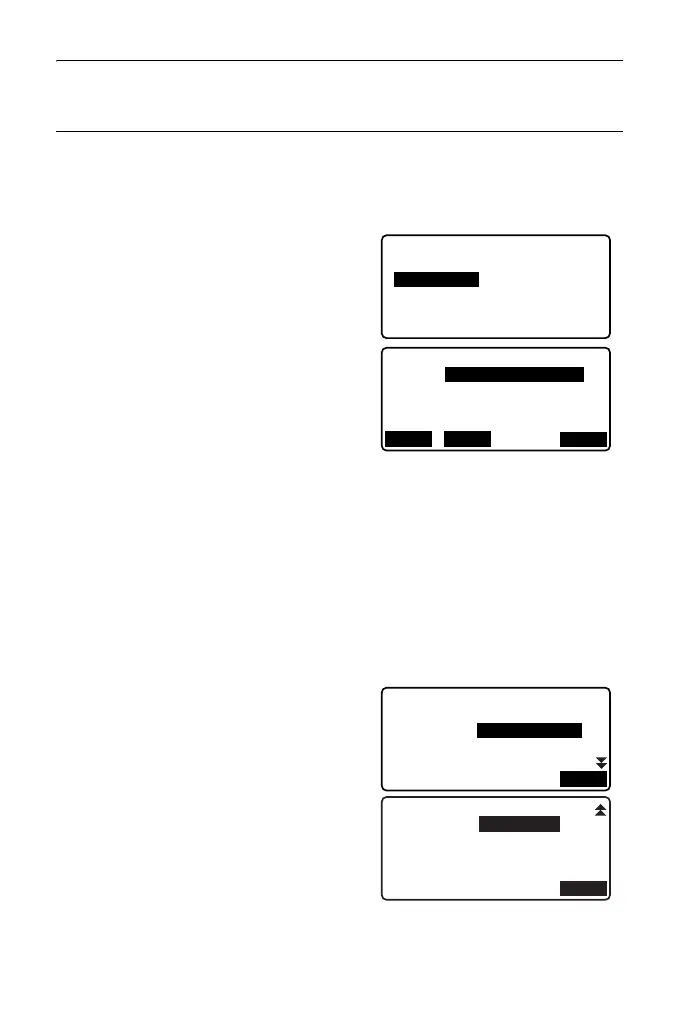
PROCEDURE Calculation using arbitrary point between
KA1 and KE1 as reference
1. In the second page of the OBS mode
screen, press [MENU], then select
"Road".
2. Select "Spiral" to enter the spiral menu
then select "KA-KE 2".
3. Input the coordinates of the P point
(reference point). Press [OK] to set
the input values.
4. Input the coordinates of the arbitrary
point on the line tangential to the P
point, then press [OK].
• The azimuth angle to the P point can
be set by pressing [AZMTH] on the
second page. Press [COORD] to
return to coordinate input.
5. Enter the curve direction, parameter
A, KA-P curve length (length of curve
from KA to P point), offset, and P-
target curve length (length of curve
from P point to target point).
KA-KE 1
Spiral
KA-KE 2
KE-KA
Np:
Ep:
Spiral/Ref.PT P
100.000
OK
100.000
RECLOAD
Spiral/CL peg
KA-P length
50.000m
Direct.
Para A
80.000m
Right
OK
St. ofs
P-SetOutPTlength
0.000m
25.000m
OK



 To Next Page