25. ROUTE SURVEYING
184
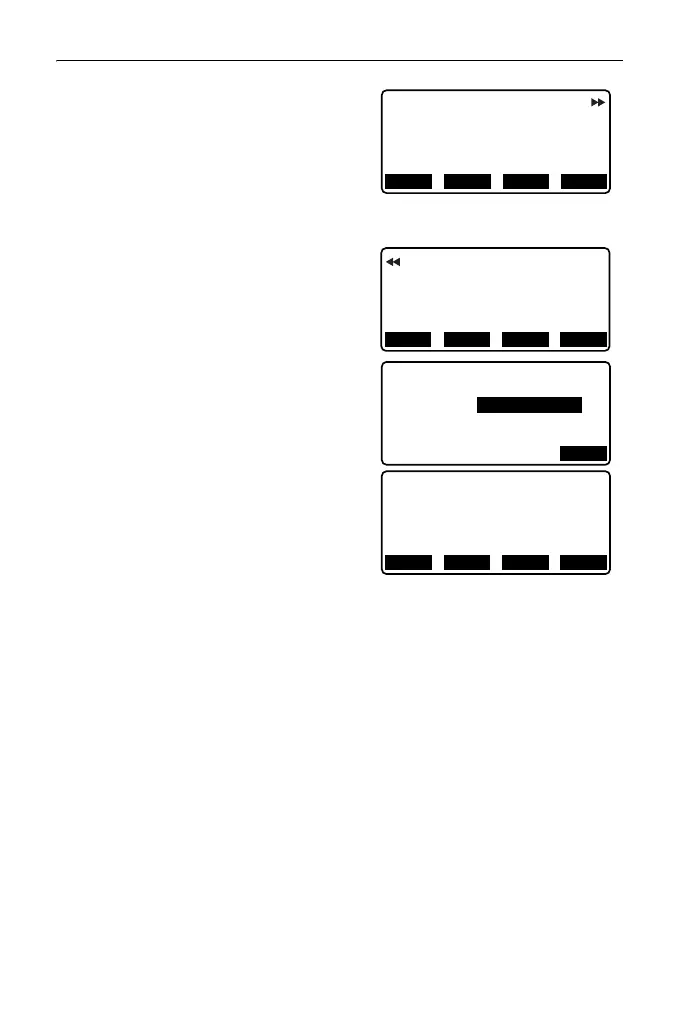
8. Press [OK] in the screen shown in
step 7 to calculate the coordinates and
follow-up distance of the KA1 point,
KE1 point, KE2 point, KA2 point. The
results are then displayed on the
screens shown here. Press {}/{} to
switch between <3PT Curve/KA1>/
<3PT Curve/KE1>/<3PT Curve/KE2>/
<3PT Curve/KA2>.
9. In the screens for the KA1 point, KE1
point, KE2 point, and KA point that
have been found, press [CENTER] to
move to centerline peg settings.
Input Sta..ing (stationing to the CL peg)
and press [OK] to calculate the
coordinates of the arbitrary centerline
peg. The results are then displayed on
the screen.
10. Press {ESC} repeatedly to finish 3
Point calculation and return to
<Road>.
• Press [WIDTH] to move to the width
peg setting screen.
"25.2 Straight Line Calculation"
• The centerline peg can be set-out by
pressing [S-O].
"15. SETTING-OUT
MEASUREMENT"
• In the case of a clothoid with no transition curve, the KA1 Point, KE1 Point, and
KA2 Point can be found in step 8.
• In the case of a circular curve, the BCC Point and ECC Point can be found in
step 8.
N
WIDTH
REC S-O
E
142.052
3PT Curve/KA1
142.052
CENTER
Sta..ing
59.471m
N
E
142.052
3PT Curve/KA2
257.948
Sta..ing
195.386m
WIDTH
REC S-O
CENTER
OK
3PT Curve/CL peg
Sta..ing
195.386m
N
E
167.289
3PT Curve/CL peg
137.517
Sta..ing
100.000m
WIDTH
REC S-O
CENTER



 To Next Page