197
25. ROUTE SURVEYING
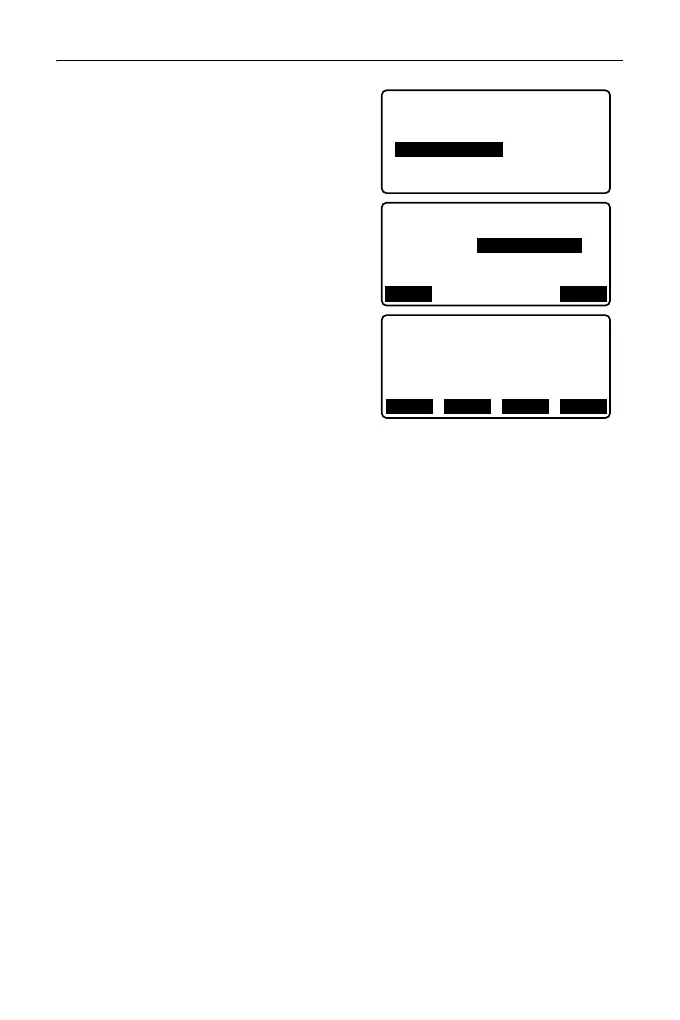
3. Select "Calc coord" to enter the
arbitrary point calculation menu.
4. Input the arbitrary point follow-up
distance.
5. Press [OK] in the screen shown in
step 4 to display the coordinates and
point name of the arbitrary point.
• The center point can be stored as a
known point in the current job by
pressing [REC].
6. Press {ESC} to return to <Alignment>.
• Press [OFF] to move to the width peg
setting screen.
"25.2 Straight Line Calculation"
• The center peg can be set-out by
pressing [CENTER].
"15. SETTING-OUT
MEASUREMENT"
Rules regarding the automatic assigning of point names to
arbitrary points
• Arbitrary point: The distance to the arbitrary point is given in terms of the
closest peg No. from the front of the curve. The distance from the peg No.
is added at the end.
• If the length of the point name being input exceeds 16 characters, 1
character at the beginning will be deleted for each new character input at
the end of the point name.
Define elements
Alignment
Auto calc.
Calc coord
Road topo
Setting
Alignment/CL peg
Sta..ing
123.456m
POINT
OK
N
E
167.289
Alignment/CL peg
173.517
Sta..ing
100.000m
No. 12+3.456
WIDTH
CENTER
REC S-O



 To Next Page