205
26. CROSS SECTION SURVEY
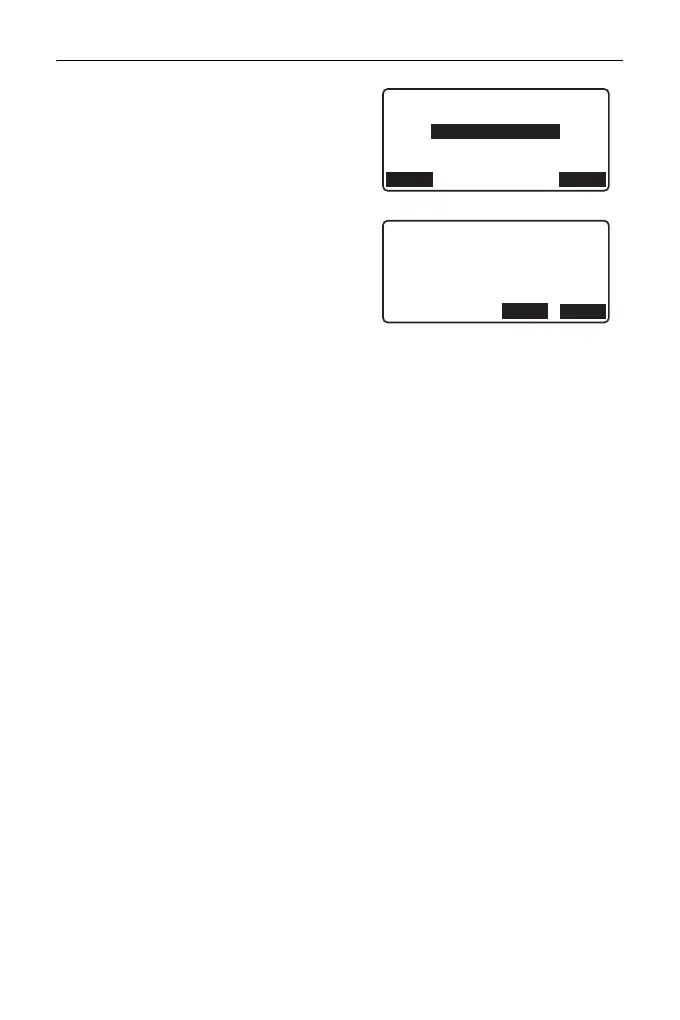
10. After observing the last changing
point, check that "Finished section" is
set to "Yes", then press [OK].
• Observation can be cancelled by
pressing {ESC}. In this event, a
confirmation message window is
displayed. Press [YES] to discard
measurement data observed up to
that point and exit observation.
Press [NO] to continue observation.
11. Proceed to observation of the next
cross-section.
• Road name: up to 16 characters
• Sta incr: -999999.999 to 999999.999 (m)
• Sta..ing: -99999.99999 to 99999.99999 (m)
• Sta pitch: 0.000 to 999999.999 (m)
• Direction: Left->Right/Right->Left/Left/Right
Direction
Cross-sections can be measured in the following directions depending on
the setting selected in "Direction".
When "Left" or "Left -> Right" selected
Pattern 1: From left-most point to right-most point.
Pattern 2: Center point observed first. Then the point immediately to the left
of the center point. Remaining points can then be observed in
any order.
Pattern 3: Method using 2 prisms. Center point observed first followed by
the point immediately to the left. Subsequent observations can be
in whatever order is the most efficient for operation with 2 prisms.
In the illustration below the points closest to the center point are
observed first, followed by the outermost points (left first, then
right).
3+3.200
Center:
No.3+3.200
Finished section:
Yes
LOAD OK
Stop observing
Delete RPOS data?
NO
YES



 To Next Page