26. CROSS SECTION SURVEY
204
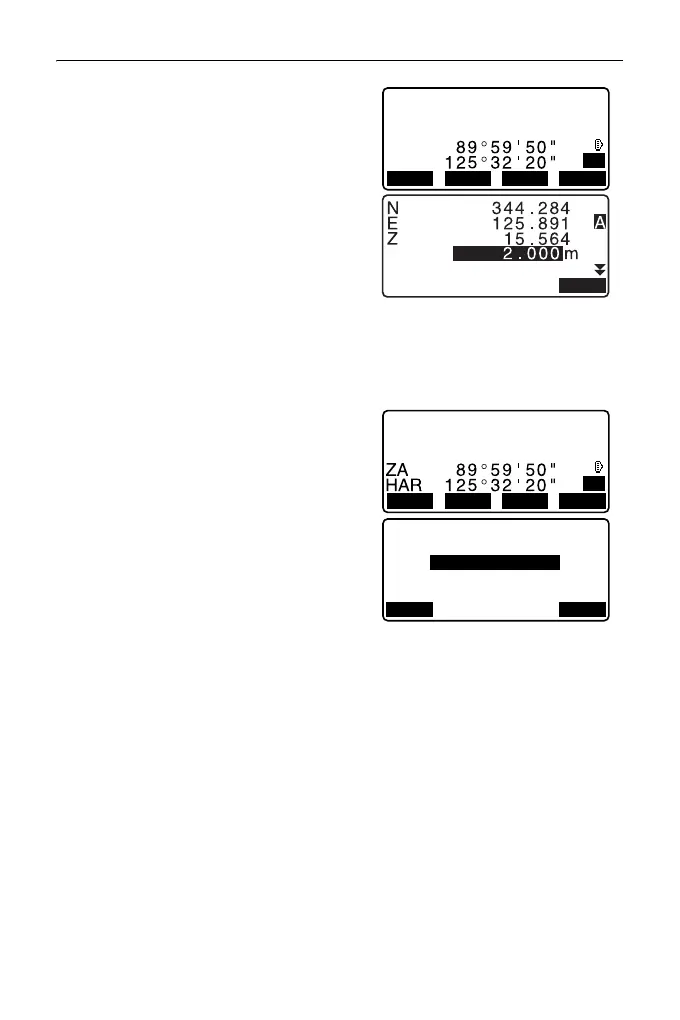
6. Press [REC]. Enter target height, point
name and code, then press [OK].
7. Repeat steps 5 to 6 for all points on
the cross-section in the set
observation direction until the
centerline is reached.
8. Observe the center point. Then press
[OK].
Enter center point name. Then press
[OK].
• When the center point is set as the
instrument station, press [LOAD] to
read in already registered coordinate
data and set as the coordinates of
the instrument station.
"13.1 Entering Instrument
Station Data and Azimuth Angle
PROCEDURE Reading in
Registered Coordinate Data
9. Repeat steps 5 to 6 for all points on
the cross-section occurring after the
centerline.
N
E
Z
12.152
103.514
101.423
P1
REC
HT
MEAS OK
ZA
HA-R
N
E
Z
80.150
150.514
220.423
P1
REC
HT
MEAS OK
3+3.200
Center:
No.3+3.200
Finished section:
No
LOAD OK



 To Next Page