277
35. CHECKS AND ADJUSTMENTS
Select “Tilt X Y” and press {ENT}
to display the tilt angle in the X
(sighting) direction and Y
(horizontal axis) direction.
4. Wait a few seconds for the display
to stabilize, then read the
automatically compensated
angles X1 and Y1.
5. Loosen the horizontal clamp and
turn the instrument 180° while
referring to the displayed
horizontal angle, then retighten
the clamp.
6. Wait a few seconds for the display
to stabilize, then read the
automatically compensated
angles X2 and Y2.
7. In this state, calculate the
following offset values (tilt zero
point error).
Xoffset = (X1+X2)/2
Yoffset = (Y1+Y2)/2
If one of the offset values (Xoffset,
Yoffset) exceeds ±20", adjust the
value using the following
procedure.
When the offset value falls within
the range ±20", adjustment is not
necessary.
Press {ESC} to return to <Instr.
const>.
PROCEDURE Adjustment
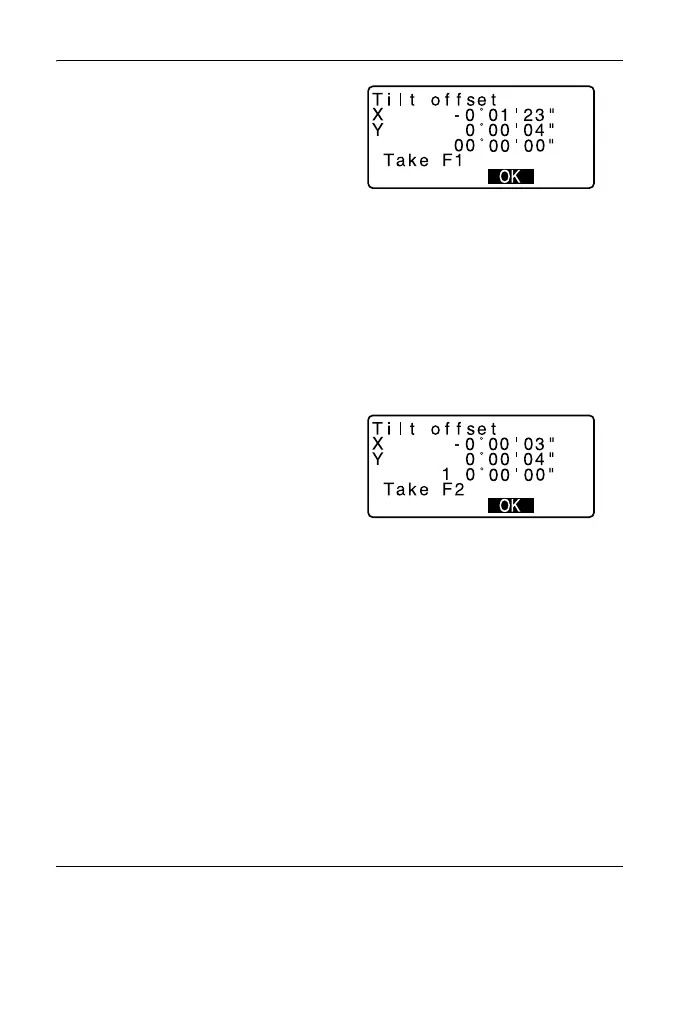
8. Store values X2 and Y2.
Press [OK]. “Take F2” is
displayed.



 To Next Page