35. CHECKS AND ADJUSTMENTS
278
9. Rotate the top of the instrument
through 180° until the displayed
horizontal angle is 180° ±1’ and
[OK] is displayed.
10. Wait a few seconds for the display
to stabilize, then store the
automatically compensated
angles X1 and Y1.
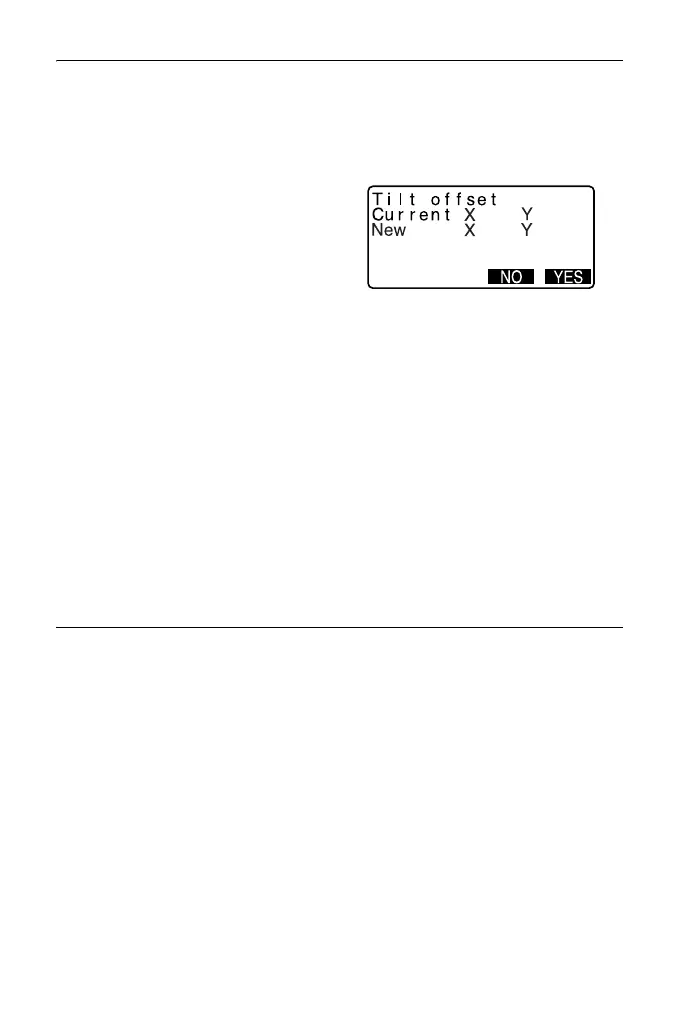
Press [YES] to store tilt angles X1
and Y1. The new correction
constant is displayed.
11. Confirm that the values are in the
adjustment range.
If both correction constant are
within the range ±180, select
[YES] to renew the correction
angle. <Instr. const> is restored.
Continue to step 12.
If the values exceed the
adjustment range, select [NO] to
cancel the adjustment and restore
<Instr. const>. Contact your local
dealer to perform the adjustment.
PROCEDURE Recheck
12. Press {ENT} at <Instr. const>.
13. Wait a few seconds for the display
to stabilize, then read the
automatically compensated
angles X3 and Y3.
14. Rotate the top of the instrument
through 180°.
15. Wait a few seconds for the display
to stabilize, then read the
automatically compensated
angles X4 and Y4.



 To Next Page